
Prerequisites, time estimate, and what you’ll build
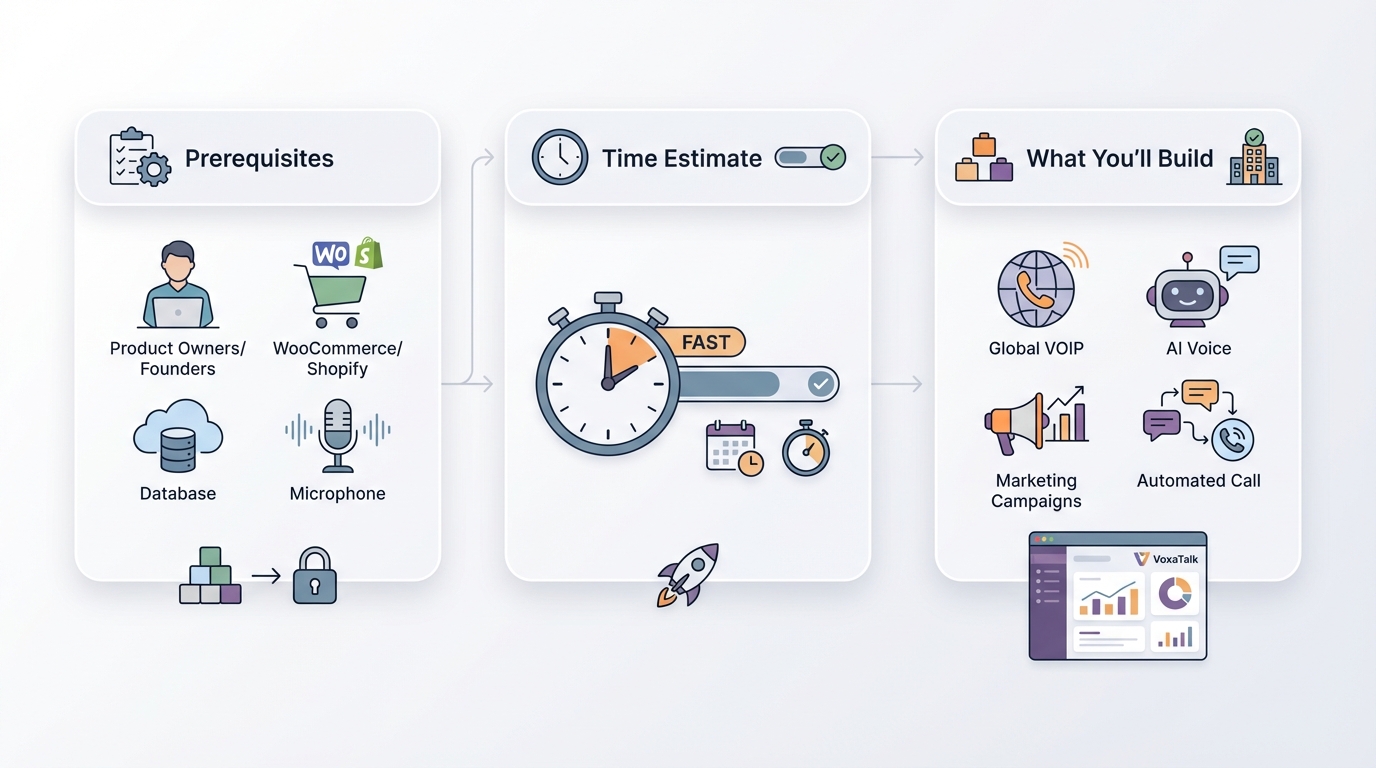
Startup voice automation works best when you treat it like a product feature, not a “blast everyone” tactic. If you do the basics first, you can scale calls fast without burning trust or getting flagged by carriers.
Here’s a simple prerequisites checklist before you record a single second of audio:
- Customer consent / opt-in: You need permission (or a clear existing relationship) to call. This won’t save you if you’re spamming.
- A clean list or segment: One audience you can describe in one sentence (like “trial users who haven’t activated in 48 hours”).
- One goal per campaign: “Update payment method” is a goal. “Improve retention” is not a goal.
- A tracking plan: Use UTM links, short links, or unique codes so you know what the calls actually did.
Time estimate: plan 60–120 minutes for your first campaign. Difficulty is Beginner → Intermediate, depending on whether you’re connecting a store/CRM or just uploading a CSV.
What you’ll build is a simple 3-step flow for scalable customer outreach: trigger → message → follow-up. Example: “payment failed” triggers a call, the call gives a link to update the card, then a follow-up call happens 24 hours later if nothing changes.
One honest caveat: voice is not a silver bullet. If your offer or message is weak, startup voice automation just scales the weak message faster, and you’ll find out in a very expensive way.
Step 1 — Pick the right moment (use-case mapping for startup voice automation)
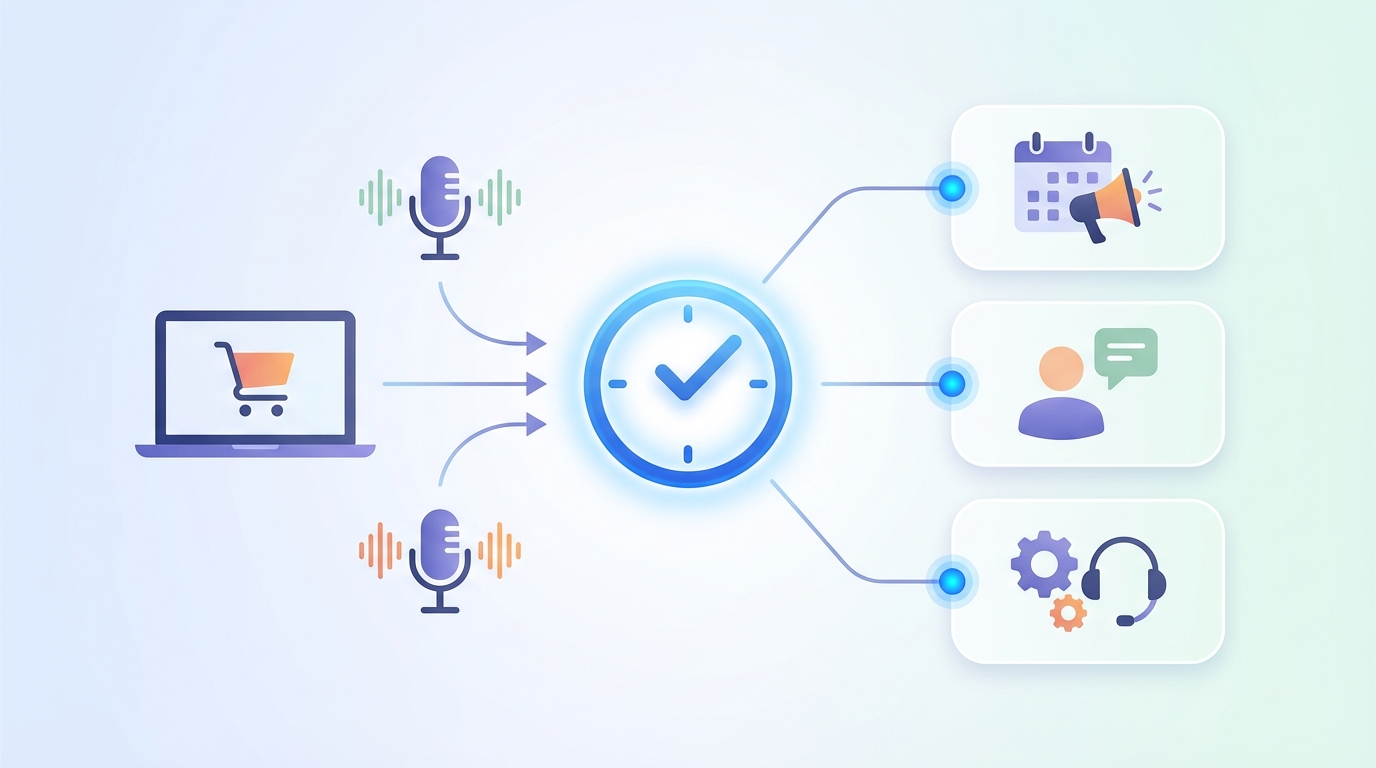
Voice works when Research from NIST AI Risk Management Framework (AI RMF 1.0) supports this.urgency and value are both high. If the customer needs to act soon and there’s a clear upside (or downside avoided), they’ll pick up and they’ll listen.
Great fits: payments, delivery exceptions, appointments, account security, and anything where “waiting until they read email” costs money or creates support tickets. Research from FTC guidance on complying with the Telemarketing Sales Rule (TSR) supports this.
Use this quick matrix to pick your first 1–2 workflows:
| Time sensitivity | Customer value | What to do |
|---|---|---|
| High | High | Start here (best ROI) |
| High | Low | Be careful (can feel spammy) |
| Low | High | Use email/SMS first, add voice later |
| Low | Low | Skip it |
Below is a practical “use-case list” you can screenshot and map to your own startup communication tools. Treat it like a menu, not a to-do list.
| # | Use case | Trigger | Audience | Primary CTA |
|---|---|---|---|---|
| 1 | Lead follow-up | Form submitted | New inbound leads | Book a call |
| 2 | Demo reminder | Meeting scheduled | Prospects | Join meeting link |
| 3 | Trial activation nudge | Trial started + no key action | Trial users | Finish setup |
| 4 | Onboarding milestone | Step completed | New customers | Do next step |
| 5 | Abandoned checkout | Cart abandoned | High-intent carts | Return to checkout |
| 6 | Delivery exception | Carrier status issue | Recent buyers | Confirm address |
| 7 | Payment failed/overdue | Charge failed / invoice overdue | Active customers | Update payment |
| 8 | Renewal reminder | Renewal window | Subscriptions | Review plan |
| 9 | Back-in-stock | Inventory replenished | Waitlist | Buy now |
| 10 | Review/NPS request | Ticket resolved / delivery confirmed | Satisfied customers | Leave a rating |
The most common mistake is trying to automate 10 flows at once. Don’t. Pick one measurable outcome (like “reduce failed-payment churn by 15%”) and earn the right to expand.
Step 2 — Choose your voice format: AI TTS vs recorded audio
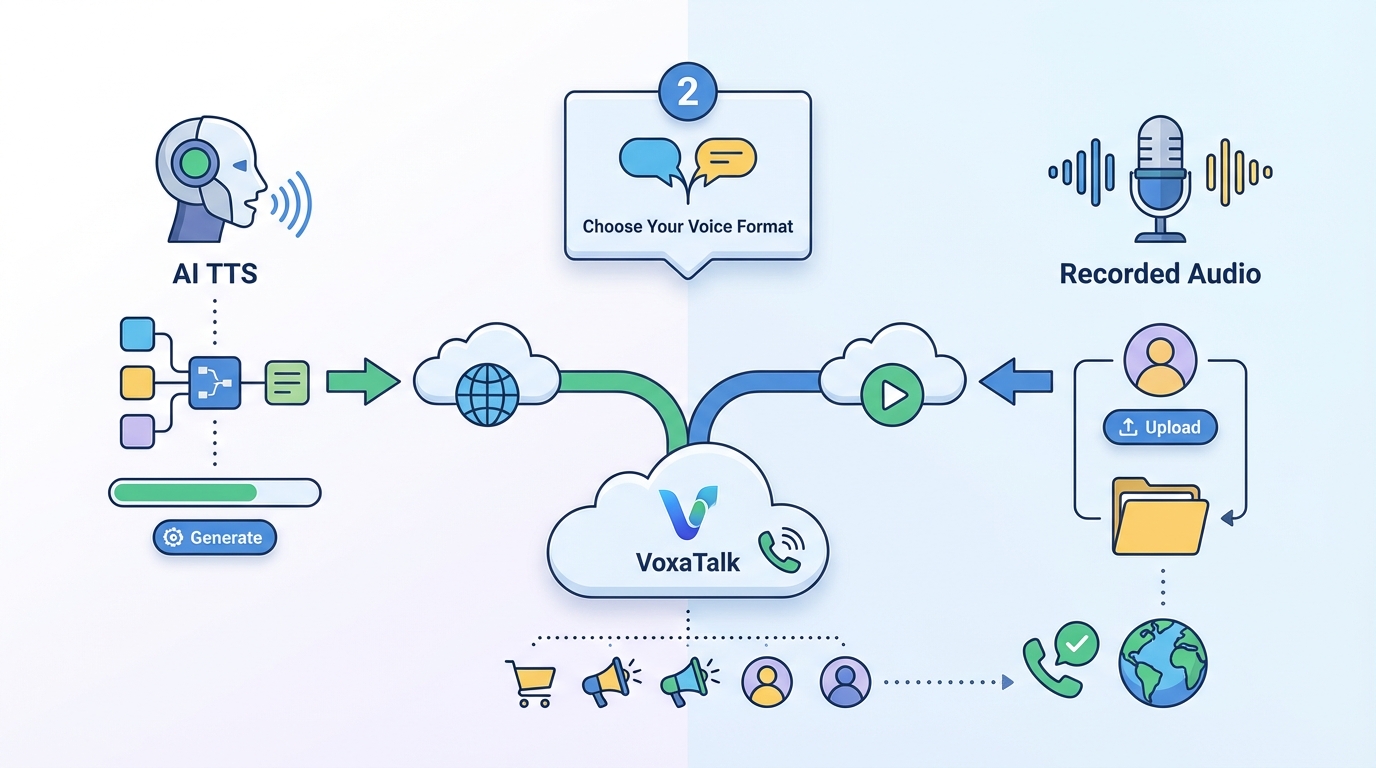
You’ve got two practical options for startup voice automation: AI text-to-speech (TTS) or recorded audio. Both work, but they shine in different spots.
- Use TTS when you need dynamic fields: names, order numbers, due dates, appointment times, store locations.
- Use recorded audio when tone and phrasing matter: brand voice, sensitive topics, or legal/compliance wording you don’t want “interpreted” by a voice model.
Here’s what a message editor typically looks like in practice: variables like {{first_name}}, {{order_id}}, and {{due_date}} dropped into a short script. That’s the main reason TTS is so popular for automated customer contact.
TTS template (with variables):
“Hi {{first_name}}, this is {{brand_name}}. Quick heads-up: your payment for order {{order_id}} didn’t go through. To avoid a delay, update your card by {{due_date}} at {{short_link}}. Again, that link is {{short_link}}.”
Recorded template (tight, brand-safe):
“Hi, this is Acme. We’re calling about your recent order. There’s one quick action needed to keep things on track. Please check the message we sent and follow the link to confirm.”
One limitation: TTS pronunciation can be off for names and brands. “Siobhan” and “Nguyen” can get butchered, and that’s a fast way to sound fake.
A simple fix is a fallback rule: if the name looks risky (special characters, very short, all caps, or unknown), skip personalization and start with “Hi there” instead. That “do-not-personalize” fallback saves a lot of awkward calls.
Step 3 — Build clean segments (lists that won’t annoy customers)
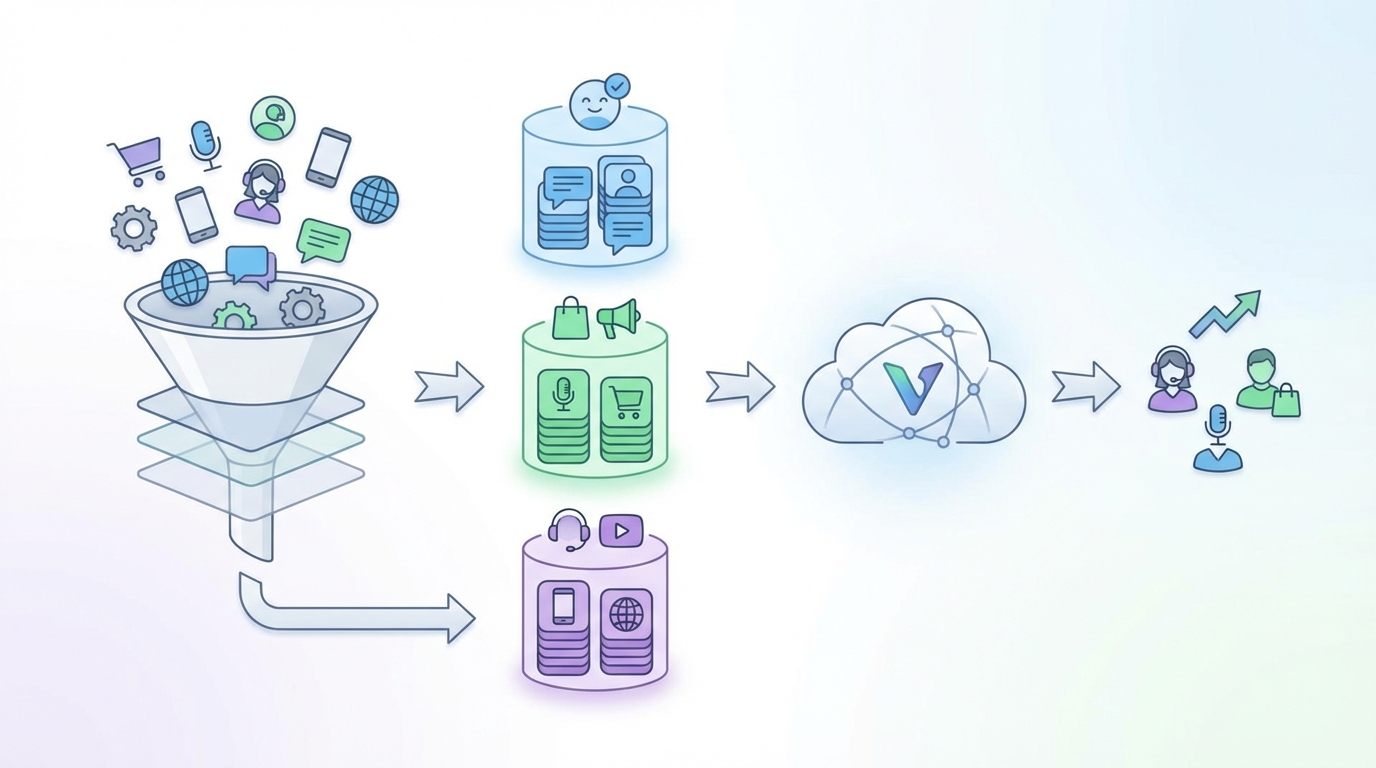
Segmentation is where startup voice automation either prints money or creates complaints. Your goal is to call the smallest group that has the highest chance of saying “oh good, I needed that.”
Here are segmentation ideas that tend to work across SaaS and ecommerce:
- New leads (<24h): They still remember who you are.
- High-intent carts (>$100): Higher AOV can justify the call cost.
- Overdue invoices (7+ days): Enough time to be overdue, not so long that they’ve churned.
- VIP customers: Repeat buyers or top spenders get higher-touch communication.
If you’re on WooCommerce or Shopify, tags make this easy. Common tags: VIP, high AOV, repeat buyer, payment_failed, abandoned_cart_2h.
A typical audience builder lets you filter by country, last activity, order status, total spend, and days since last purchase. The best segments are boring and specific, like “US customers, order status = pending payment, cart value > $100, last activity < 6 hours.”
Caveat: bad data = bad calls. Validate phone formats (E.164 is your friend), dedupe numbers, and remove obvious landlines if your audience is mobile-first. If 18% of your list is landlines and your CTA is “tap the link,” you’re paying for calls that can’t convert.
Step 4 — Set up global VOIP calling (deliverability basics)
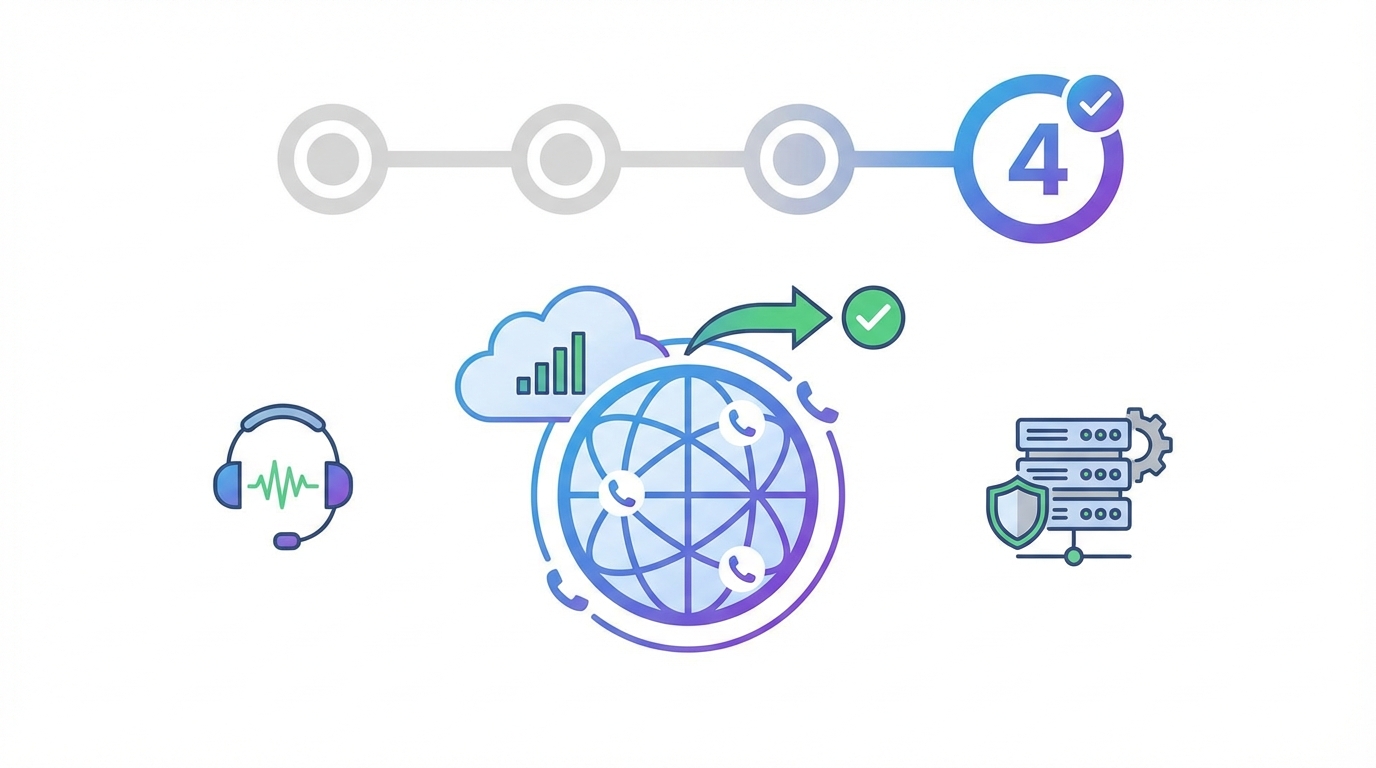
Deliverability isn’t just an email problem. With voice, it shows up as “why did nobody pick up?” or “why are carriers blocking us?” A clean global VOIP setup fixes a lot of that.
Use this checklist before you scale:
- Caller ID strategy: Use a consistent number per region so customers recognize it. Random numbers tank pickup rate.
- Local vs international numbers: Local caller IDs usually get better answers than international-looking numbers.
- Call windows by time zone: Don’t call a customer in Sydney because it’s 10am for your team in London.
A simple rule that works: US number for US leads, UK number for UK customers. You’ll typically see a noticeable pickup lift just from that one change, especially for ecommerce delivery and payment calls.
Most tools will show outbound number settings plus a scheduling screen where you can set “quiet hours” by time zone. Use it. If your startup voice automation calls land at 7:12am local time, you’re training people to hate your brand.
One limitation: some regions have stricter rules and heavier carrier filtering. You need to test country-by-country before scaling spend. A call flow that works in the US can get blocked or throttled elsewhere, even with the same script.
Step 5 — Create your first campaign in VoxaTalk (one-way call flow)
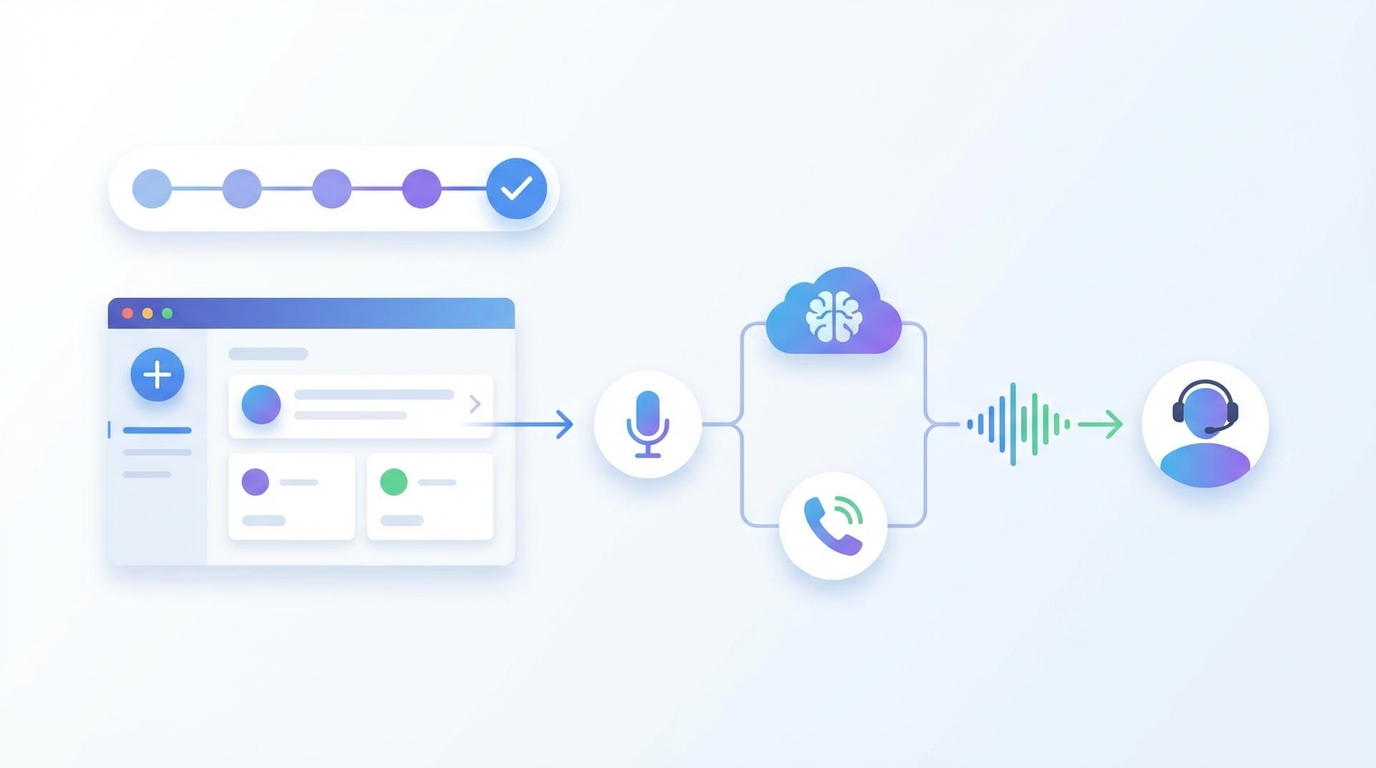
VoxaTalk is built for one-way automated voice calls: short, clear messages that don’t turn into IVRs or weird robotic conversations. That’s exactly what you want for reminders, follow-ups, and notifications.
Here’s a clean first campaign setup you can finish in under 2 hours:
- Create a campaign: Name it after the outcome, like “Payment Failed → Update Card (US)”.
- Upload a list or choose a segment: Start with 200–2,000 contacts, not your whole database.
- Select voice format: TTS for dynamic order/payment info, recorded audio if you want a consistent brand tone.
- Add one CTA: One link, one action, one next step.
- Set retries: Keep it conservative (details below).
A practical sequence is a 2-call setup:
- Call #1: Immediate (or within 5–15 minutes of the event).
- Call #2: 24 hours later only if there was no answer and the problem still exists (invoice unpaid, cart still abandoned, booking not confirmed).
In a campaign builder, you’ll usually see retry logic and call pacing controls (how many calls per minute, spacing, and max attempts). Pacing matters if you’re calling internationally or if you’re trying to avoid carrier suspicion.
The common mistake is too many retries. Cap it at 1–2 retries per event. If someone ignores two calls about a cart, a third call doesn’t “convert them,” it just increases complaint risk and opt-outs.
If you’re using VoxaTalk specifically, the nice fit is: one-way automated voice calls for the campaign plus global VOIP from the browser for your team to follow up manually on high-value cases.
Step 6 — Add event triggers (forms, carts, CRM, payments, bookings)
Triggers are where startup voice automation starts feeling like magic. You stop “running campaigns” and start reacting to customer behavior in real time.
Common trigger events that actually move numbers:
- Form submit: Lead requests pricing or a demo.
- Abandoned cart: High-intent checkout started but not completed.
- Failed payment: Card declined or charge failed.
- Booking created: Appointment scheduled.
- Refund requested: High-risk churn moment.
- Ticket status changed: “Resolved” or “Waiting on customer.”
A high-ROI example: trigger “payment failed” and call within 5 minutes with a link to update the card. That timing matters because customers still remember what they were doing and they’re more likely to fix it immediately.
Most platforms will show a webhook/trigger configuration screen plus a test event log. Use the test log like your debugger. Fire 10 test events, confirm the right segment gets called, and confirm the call stops once the customer completes the action.
Caveat: triggers can misfire when events duplicate. Shopify can send multiple “checkout updated” events. CRMs can re-save the same lead. Payment systems can retry and generate repeats.
Fix it with one of these:
- Idempotency keys: Only allow one call per unique event ID.
- Cooldown rules: “Do not call the same person for this event type more than once every 24 hours.”
- Status checks: Only call if the current status is still “failed” or “incomplete.”
Step 7 — The 10 ways startups can use voice automation (playbook)
These are the 10 plays I’d run if I were setting up startup voice automation from scratch. Each one has a clear trigger, a tight audience, a 15–30 second message target, and a single CTA.
One honest take before the list: voice beats email when speed matters. Email beats voice when you need a long explanation, screenshots, or policy details. The best teams use both: voice to get attention, email to provide depth.
Play 1: Lead follow-up (speed-to-lead)
Trigger: Form submitted (pricing, demo request, contact form)
Audience: New inbound leads, submitted within the last 10 minutes
Message length target: 15–20 seconds
CTA: Book a slot or reply to the email you just sent
Mini-template: “Hi {{first_name}}, this is {{brand_name}}. Saw your request for {{offer}}. If you want the fastest next step, grab a time here: {{short_link}}.”
Campaign card thumbnail mockup: “New Lead → Call in 2 min → Book link”
Play 2: Demo reminders (reduce no-shows)
Trigger: Meeting scheduled (calendar event created)
Audience: Prospects with a demo in the next 24 hours
Message length target: 15–25 seconds
CTA: Join link or reschedule link
Mini-template: “Reminder from {{brand_name}}: your demo is {{demo_time}}. Join using {{short_link}}. If you need to reschedule, use the link in your email.”
Campaign card thumbnail mockup: “Demo Tomorrow → Call at T-2h”
Play 3: Trial activation nudges (get to first value)
Trigger: Trial started + no key action within 24–48 hours
Audience: Trial users who haven’t completed setup
Message length target: 20–30 seconds
CTA: Finish setup step (single link)
Mini-template: “Hi {{first_name}}, {{brand_name}} here. Your trial is live, but you’re one step away from seeing results. Finish setup here: {{short_link}}. It takes about 2 minutes.”
Campaign card thumbnail mockup: “Trial Started → No Activation → Call Day 2”
Play 4: Onboarding milestones (keep momentum)
Trigger: Milestone completed (step 1 done) or stalled (no progress in 3 days)
Audience: New customers in first 14 days
Message length target: 15–25 seconds
CTA: Do the next step or open help doc
Mini-template: “Nice work getting {{milestone}} done. Next step is {{next_step}}. Use this link: {{short_link}}. If you’re stuck, just reply to our email.”
Campaign card thumbnail mockup: “Onboarding Step 2 → Nudge”
Play 5: Abandoned checkout (recover high-intent revenue)
Trigger: Cart abandoned for 1–3 hours
Audience: Carts over $100 or repeat buyers
Message length target: 15–20 seconds
CTA: Return to checkout link
Mini-template: “Hi {{first_name}}, this is {{store_name}}. You left items in your cart and we can still hold them. Finish checkout here: {{short_link}}.”
Campaign card thumbnail mockup: “Cart Abandoned (High AOV) → Call in 2h”
Tools like VoxaTalk — Automated Voice Calls & Global VOIP can help streamline this process.
Play 6: Delivery exceptions (cut ‘where is my order’ tickets)
Trigger: Carrier status = exception (address issue, failed delivery, delay)
Audience: Customers with active shipments
Message length target: 20–30 seconds
CTA: Confirm address / choose pickup / contact support link
Mini-template: “This is {{store_name}} about order {{order_id}}. The carrier flagged a delivery issue. Please confirm your address here: {{short_link}} so we can get it moving.”
Campaign card thumbnail mockup: “Shipping Exception → Call Same Day”
Play 7: Payment failure / overdue invoices (stop churn)
Trigger: Payment failed or invoice overdue (7+ days)
Audience: Active customers with service at risk
Message length target: 15–25 seconds
CTA: Update card / pay invoice link
Mini-template: “Hi {{first_name}}, {{brand_name}} here. Your last payment didn’t go through, so your account may pause. Update your payment now at {{short_link}}.”
Campaign card thumbnail mockup: “Dunning → Call after Failed Charge”
Play 8: Renewal reminders (prevent surprise churn)
Trigger: Renewal window (7 days before, 1 day before)
Audience: Annual plans, high-value monthly plans
Message length target: 15–25 seconds
CTA: Review plan / update payment / contact success manager
Mini-template: “Quick reminder from {{brand_name}}: your plan renews on {{renewal_date}}. If you want to review or change anything, use {{short_link}}.”
Campaign card thumbnail mockup: “Renewal → Call at T-7 days”
Play 9: Back-in-stock alerts (convert warm demand)
Trigger: Inventory replenished
Audience: Waitlist or “notify me” subscribers
Message length target: 15–20 seconds
CTA: Buy now link
Mini-template: “Good news from {{store_name}}: {{product_name}} is back in stock. If you still want it, grab it here: {{short_link}}.”
Campaign card thumbnail mockup: “Back in Stock → Call Waitlist”
Play 10: Review / NPS request after resolution (timed goodwill)
Trigger: Ticket marked resolved or delivery confirmed
Audience: Customers with a positive outcome (no refund, no escalation)
Message length target: 15–20 seconds
CTA: Leave a review / answer NPS link
Mini-template: “Hi {{first_name}}, {{brand_name}} here. Glad we got that sorted. If you have 20 seconds, could you rate your experience here: {{short_link}}?”
Campaign card thumbnail mockup: “Post-Resolution → Call in 2h”
How to combine voice + email without annoying people
If the message needs context, send email first, then use voice to point to it. Like: “We emailed you the steps—this call is just to make sure you saw it.” That feels helpful instead of pushy.
This approach won’t work if your email is a wall of text or your link goes to a generic homepage. The call creates urgency, so the destination has to deliver.
Step 8 — Write messages that get listened to (templates + common mistakes)
Most voice messages fail in the first 3 seconds. People decide fast whether you’re legit or noise, so your structure has to be tight.
Use this simple template:
- Identity (first 3 seconds): “This is {{brand_name}}”
- Reason: why you’re calling right now
- Benefit: what they gain or avoid
- Single CTA: one action, one link, one next step
SaaS trial nudge (20–25s):
“Hi {{first_name}}, this is {{brand_name}}. Your trial is active, but setup isn’t finished yet. If you complete one step today, you’ll see results right away. Finish it here: {{short_link}}.”
WooCommerce shipping issue (20–30s):
“This is {{store_name}} about order {{order_id}}. The carrier needs one quick confirmation to deliver. Please confirm your address here: {{short_link}}.”
Overdue invoice (15–25s):
“Hi {{first_name}}, {{brand_name}} calling about invoice {{invoice_id}}. It’s now 7 days overdue. Pay securely at {{short_link}} to avoid any service interruption.”
Booking reminder (15–20s):
“Reminder from {{brand_name}}: your appointment is {{appt_time}}. If you need to reschedule, use the link in your email. See you soon.”
A good script panel will show a rough seconds estimate and a variable preview so you can catch weird values (like a blank first name or a malformed link) before you send.
Common mistakes I see constantly:
- Long intros: “Hello, we hope you’re doing well…” wastes the only attention you get.
- Multiple CTAs: “Go to the link, or email us, or call us…” equals no action.
- Jargon: Customers don’t care about your “workflow” or “ticket ID.” They care about the next step.
Step 9 — Tracking and experiments (prove lift, don’t guess)
If you can’t measure it, you’re just buying activity. Startup voice automation is measurable, but only if you set it up that way from day one.
Track these metrics per campaign:
- Answer rate: % of calls answered (pickup)
- Completion rate: % who listened to the full message (if available)
- Conversion rate: % who completed the goal (paid, booked, confirmed)
- Cost per conversion: total spend / successful outcomes
- Opt-out / complaint rate: your early warning system
For automated customer contact, run simple A/B tests that change one thing. A good starter test is CTA wording:
- Variant A: “Go to {{short_link}} to update your card.”
- Variant B: “Check your email from us and use the payment link.”
In many cases, the short link wins because it’s immediate. But it can lose if your audience distrusts phone links and prefers email. You won’t know until you test.
Analytics dashboards usually let you compare campaigns and see time-of-day performance. Use that to set call windows. If your answer rate is 9% at 9am and 18% at 5pm, don’t overthink it.
One limitation: attribution can be messy. People might get the call, then convert later via email or direct traffic. The clean fix is a holdout group: keep 10–20% of eligible customers uncalled for 2–4 weeks, then compare outcomes. That’s how you estimate true incremental impact instead of guessing.
Troubleshooting: the 12 most common issues (and fixes)
When startup voice automation goes wrong, it usually goes wrong in predictable ways. Use this checklist-style table to diagnose fast.
| Symptom | Likely cause | Fix |
|---|---|---|
| Low pickup rate | Wrong caller ID, bad time window, message not relevant | Use local numbers, tighten segment, test 2 call windows |
| Wrong time zone calls | Time zone not stored or not respected | Derive from country/area code, enforce quiet hours by region |
| Duplicated triggers | Webhook events firing multiple times | Add idempotency keys or cooldown rules (24h) |
| Numbers rejected | Invalid format, missing country code | Normalize to E.164, validate on import, dedupe |
| TTS mispronunciation | Names/brands are hard, weird capitalization | Use “Hi there” fallback, add phonetic overrides for key terms |
| Too many retries | Over-aggressive retry settings | Cap at 1–2 retries per event, stop on conversion |
| Poor segmentation | Calling broad audiences with mixed intent | Segment by intent (AOV, status, recency), start narrow |
| Link not working | Bad short link, missing UTM, wrong landing page | Test links on mobile, use a dedicated landing page per campaign |
| Compliance flags | No consent, too frequent contact, risky wording | Confirm opt-in, add frequency caps, keep scripts factual |
| Audio too quiet | Bad recording levels or compression | Re-record with consistent mic distance, normalize audio |
| International delivery issues | Carrier filtering, region rules, number reputation | Test per country, use local caller IDs, adjust pacing |
| CRM sync delays | Integration lag, batch sync schedules | Use webhooks for real-time events, add a 5–10 min buffer |
Call logs usually show failure reasons (busy, no answer, rejected, unreachable) plus retry settings. Check those logs before you rewrite scripts. A lot of “bad performance” is actually a data or deliverability issue.
Caveat: some deliverability problems are carrier-side. If one country suddenly drops from 22% pickup to 6%, you may need country-specific adjustments (number type, pacing, call windows) rather than a whole new message.
What’s Next: scale safely with startup communication tools
Once your first campaign is stable, scaling startup voice automation is mostly about discipline. Add use cases slowly, document what works, and don’t let frequency creep turn into customer fatigue.
A roadmap that’s realistic for a small team:
- Add 1 new use case every 2 weeks: You’ll learn faster and break fewer things.
- Document scripts: Keep a simple library: “payment failed v1,” “cart recovery v2,” etc.
- Set frequency caps: Example: max 2 calls per customer per week across all campaigns.
- Build a quiet hours policy: Example: no calls before 9am or after 7pm local time.
Here’s a simple 30-day rollout plan you can actually execute:
- Week 1: Abandoned checkout (high AOV only)
- Week 2: Payment failures (call within 5 minutes)
- Week 3: Onboarding milestone nudges
- Week 4: Renewal reminders (high-value accounts)
Most teams end up managing this like a campaign calendar: scheduled voice calls plus time-based campaigns and event triggers. That’s where startup communication tools start working together instead of living in silos.
One honest limitation: if your support team can’t handle the responses, scale outreach slower or add self-serve links first. Voice increases action. If the “next step” is “wait 2 days for support,” you’re creating a mess.
FAQ
What is startup voice automation?
Startup voice automation is using software to place outbound calls automatically—via text-to-speech or pre-recorded audio—based on schedules or events (like signups, carts, or payments). It’s mainly used to reach more customers without hiring a bigger support or sales team. Common examples include order updates, appointment reminders, payment nudges, and lead follow-ups triggered from a form or CRM.
How do I set up automated customer contact without sounding spammy?
Start with consent and relevance: only call people who opted in or have an existing relationship, and tie the call to a clear customer action (signup, purchase, booking). Keep messages under 20–30 seconds, state who you are in the first line, and include a simple next step (press a key, visit a link, or reply to an email). Limit frequency (for example, 1–2 calls per event) and respect quiet hours by time zone.
What are the best use cases for scalable customer outreach using voice?
High-performing voice use cases are time-sensitive and high-value: abandoned checkout follow-ups, delivery issues, payment failures, appointment no-show reduction, and “your account needs action” alerts. Voice works best when the customer benefits immediately (saving time, avoiding a problem, confirming status). It’s usually less effective for cold prospecting unless you have explicit opt-in and tight targeting.
How can a startup measure ROI from voice automation?
Track outcomes tied to the call’s goal: recovered carts, paid invoices, reduced no-shows, fewer tickets, or faster lead-to-demo time. At minimum, measure answer rate, listen-through rate (if available), click or conversion rate from the CTA, and cost per successful outcome. Compare against a baseline (no call) using a simple A/B split for 2–4 weeks so you can see lift, not just activity.
How do scheduled voice calls differ from event-triggered calls?
Scheduled voice calls run on a calendar (like “every weekday at 10:00 in the customer’s time zone” or “3 days before renewal”). Event-triggered calls fire when something happens (form submitted, cart abandoned, payment failed, booking created). Scheduled campaigns are great for predictable workflows; event-triggered calls are best for real-time moments where speed matters and the customer expects an update.
Brief conclusion
Startup voice automation is a simple lever: it helps you reach customers faster when timing matters. Start with one workflow, keep messages short, track real outcomes, and scale one use case at a time.
If you want a straightforward way to run one-way automated voice calls and make global VOIP calls from your browser, VoxaTalk is a practical option to test with a single campaign and a tight segment. Keep it measurable, keep it respectful, and you’ll see quickly where voice fits in your outreach mix.
Related Articles
Continue exploring this topic
1
How to Schedule Bulk Voice Calls Without Spamming
Here’s what most people get wrong about schedule bulk voice calls When teams try to schedule bulk voice calls, they obsess over the recording. Honestl…
2
Event Triggered Voice Calls: Build Real-Time Call Flows
Table of contents (event triggered voice calls guide) This guide is about event triggered voice calls: calls that fire the moment something meaningful…
3
IVR vs One-Way Calls: Which Fits Your Campaign?
1. What “IVR vs one-way calls” really means (in plain terms) “IVR vs one-way calls” sounds like a tooling choice, but it’s really a choice about how m…
Ready to Get Started?
Save time implementing this with VoxaTalk — Automated Voice Calls & Global VOIP.