
Why time zone voice call scheduling exists (the core problem)
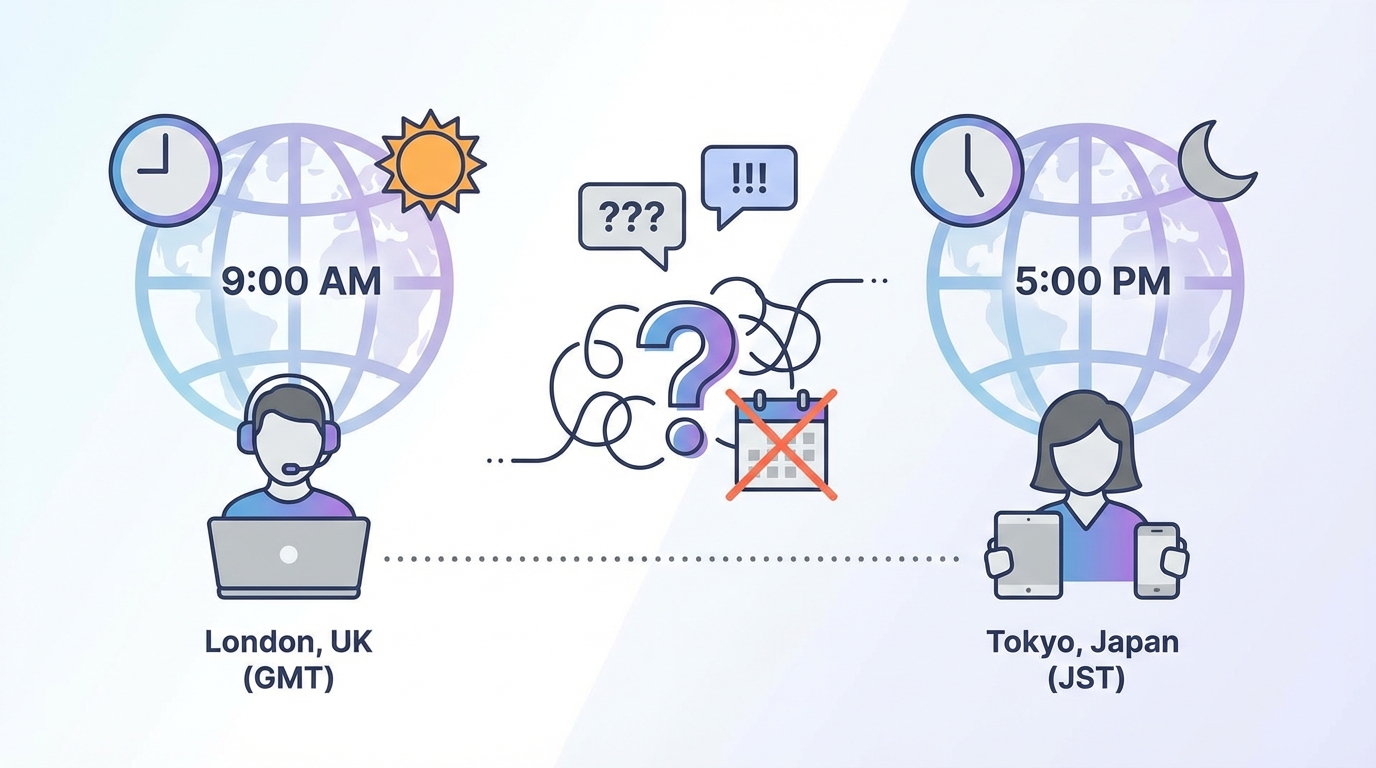
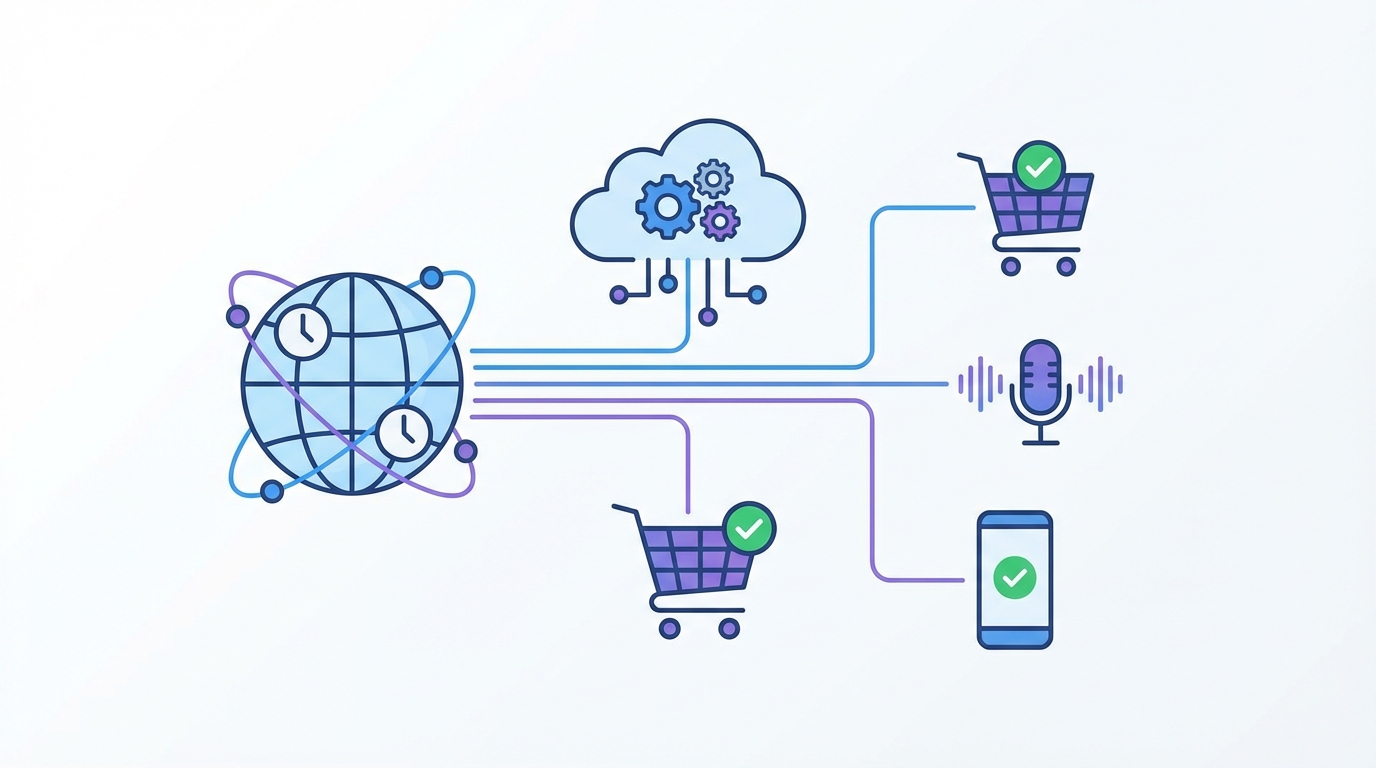
Time zone voice call scheduling exists because one “send time” doesn’t mean one “call time” once your customers live in different places. A single UTC timestamp will always create “midnight calls” for someone on a global list, and those people will remember it.
Here’s the failure mode in plain numbers: 10:00 in New York equals 15:00 in London and 23:00 in Singapore. If you schedule a call blast for “10am” and you mean New York time, your Singapore contacts are getting a near-midnight interruption.
A real example: a WooCommerce store runs payment reminder calls at 9:00am “local” because that’s when collections performs best. Without time zones, APAC customers get late-night calls, complaints spike, and some people unsubscribe just to make it stop.
Another common one: a SaaS founder schedules onboarding calls “every weekday at 11am.” That’s fine for the U.S., but it hits Europe during lunch and Australia after hours, so your “helpful onboarding” turns into “please stop calling me.”
Marketing teams feel this too. If you run a product launch call campaign and your best pickup rate is 4–6pm local time, a single global schedule guarantees you’ll miss the sweet spot for at least half your list.
This approach has one drawback: even perfect time zone handling can’t fix bad data. If a contact’s time zone is wrong, the number is shared by a corporate front desk, or the person is traveling, you can still hit the wrong hour.
What “time zone voice call scheduling” means in practice
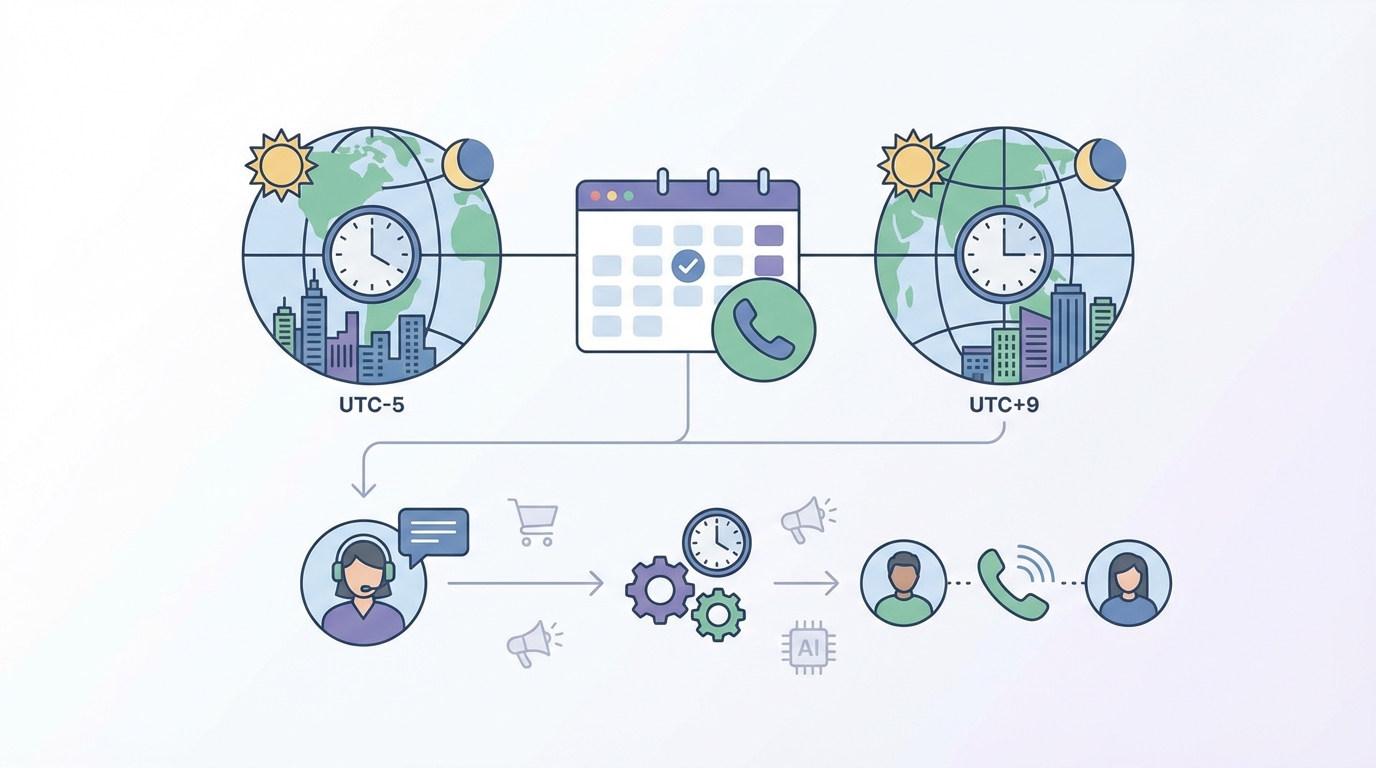
Time zone voice call scheduling is the practice of sending automated voice calls at the recipient’s local time by converting a campaign’s send window into each contact’s time zone (including daylight saving time changes). It prevents calls from landing at the wrong hour when you run global call scheduling.
Time zone voice call scheduling means your system schedules each automated voice call in the recipient’s local time, not yours. You store each contact’s IANA time zone, apply quiet hours (for example 9am–8pm), and convert that local window into an exact UTC send time per recipient—handling DST automatically.
Mechanically, it’s a simple pipeline: store recipient time zone → choose a local send window → convert to UTC → enqueue the call. DST handling isn’t a “nice to have”; it’s a first-class requirement if you don’t want seasonal 1-hour mistakes. Research from IANA Time Zone Database (official time zone definitions used by most software) supports this.
Mini-walkthrough: say your campaign window is 09:30–17:30 local time. A contact in America/Los_Angeles gets scheduled inside 09:30–17:30 Pacific time, then your system converts that moment to UTC for delivery. Research from NIST time services and official U.S. time standards (UTC and timekeeping basics) supports this.
One practical detail: you should store time zones as IANA names (like Europe/Berlin), not raw offsets (like “UTC+1”). Offsets change with daylight saving time, but IANA zones encode those rules.
What it is (and what it isn’t)
Time zone voice call scheduling is about respecting local clocks for each recipient. It’s not just “showing the right time in the UI” or “sending at a fixed UTC time and hoping for the best.”
- It is: per-recipient local scheduling with DST-aware conversion.
- It isn’t: picking a single global timestamp and calling everyone at once.
- It isn’t: storing “UTC+X” and assuming it stays true all year.
Examples and use cases (where time zone voice call scheduling pays off)
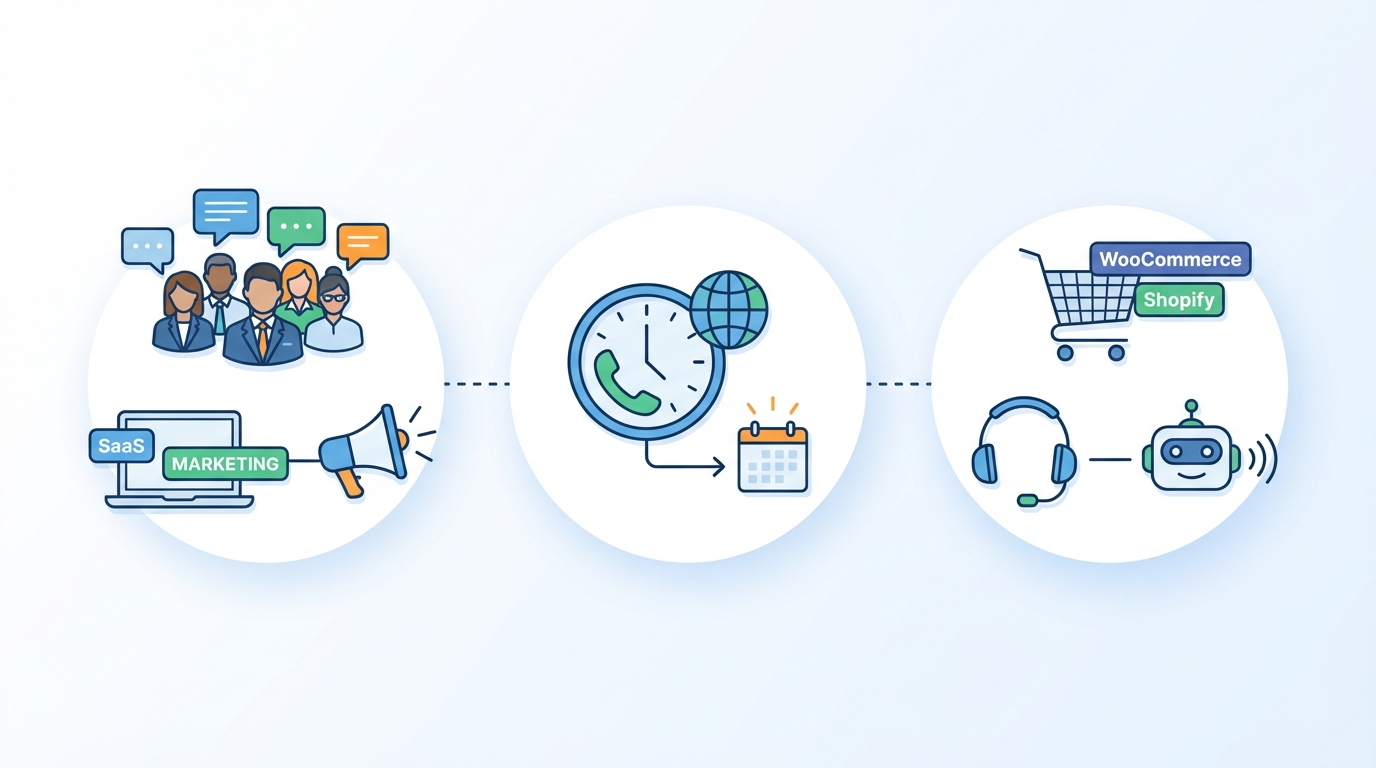
Time zone voice call scheduling shows up anywhere you call customers across regions and you care about pickup rates, compliance, and brand trust. If you’re a Product Owner, Founder, or marketing lead, these are the places it usually moves the needle.
1) Abandoned cart calls for Shopify and WooCommerce
Some stores use voice calls for high-ticket carts or B2B reorders. If you call within 30–90 minutes after abandonment, timing matters, but calling at 2am local time is a fast way to get blocked.
- Schedule the call at “next available local business hour” if abandonment happens during quiet hours.
- Use a local window like 10:00–19:00 to avoid early-morning annoyance.
- Split by region so you can tune messaging and pickup expectations.
2) Payment reminders and failed payment recovery
Collections teams often see better results during mid-morning and early evening, but those hours depend on the customer’s location. Time zone voice call scheduling lets you keep one campaign rule while still calling at the right local hour.
Real-world pattern: “Call 2 days after failed payment at 11:00 local time, then retry at 17:30 local time if no answer.” That simple rule is impossible to do cleanly without time zones.
3) Appointment confirmations and no-show reduction
If you run a service business (or a SaaS with onboarding calls), confirmation calls work best when they’re predictable. A reminder at 18:00 local time the day before is reasonable; the same reminder at 03:00 local time is not.
- “24 hours before” should mean 24 hours in the recipient’s local time context.
- Reschedule to the next local window if the reminder would land during quiet hours.
- Handle DST weeks carefully, because “tomorrow at 9am” can shift by an hour if you store offsets.
4) Product-led onboarding for global SaaS
Founders often start with manual calls, then move to automated sequences for trial users who hit certain milestones. Time zone voice call scheduling keeps those calls from becoming a support liability.
Example rule: “If a user invites 3 teammates, call within 2 hours, but only between 09:00–18:00 local time.” Without per-recipient scheduling, you either delay everyone or annoy someone.
5) Customer success check-ins and renewal calls
CS teams want to reach decision-makers when they’re actually at work. With time zone voice call scheduling, you can set a single playbook like “Tuesday–Thursday, 10:00–16:00 local time,” then let the system handle the conversions.
This won’t work if your CRM time zones are missing or wrong. If you don’t have a reliable time zone field, you’ll still be guessing.
6) Incident communications and urgent alerts (with guardrails)
Some teams use voice calls for critical incidents: downtime, fraud alerts, or shipping exceptions. Even then, time zone voice call scheduling matters because “urgent” doesn’t always mean “call at 4am.”
- Use an “override quiet hours” flag only for true emergencies.
- For non-critical alerts, schedule the call for the next local morning window.
- Log the local time used so support can explain why a call happened when it did.
Key components of time zone voice call scheduling
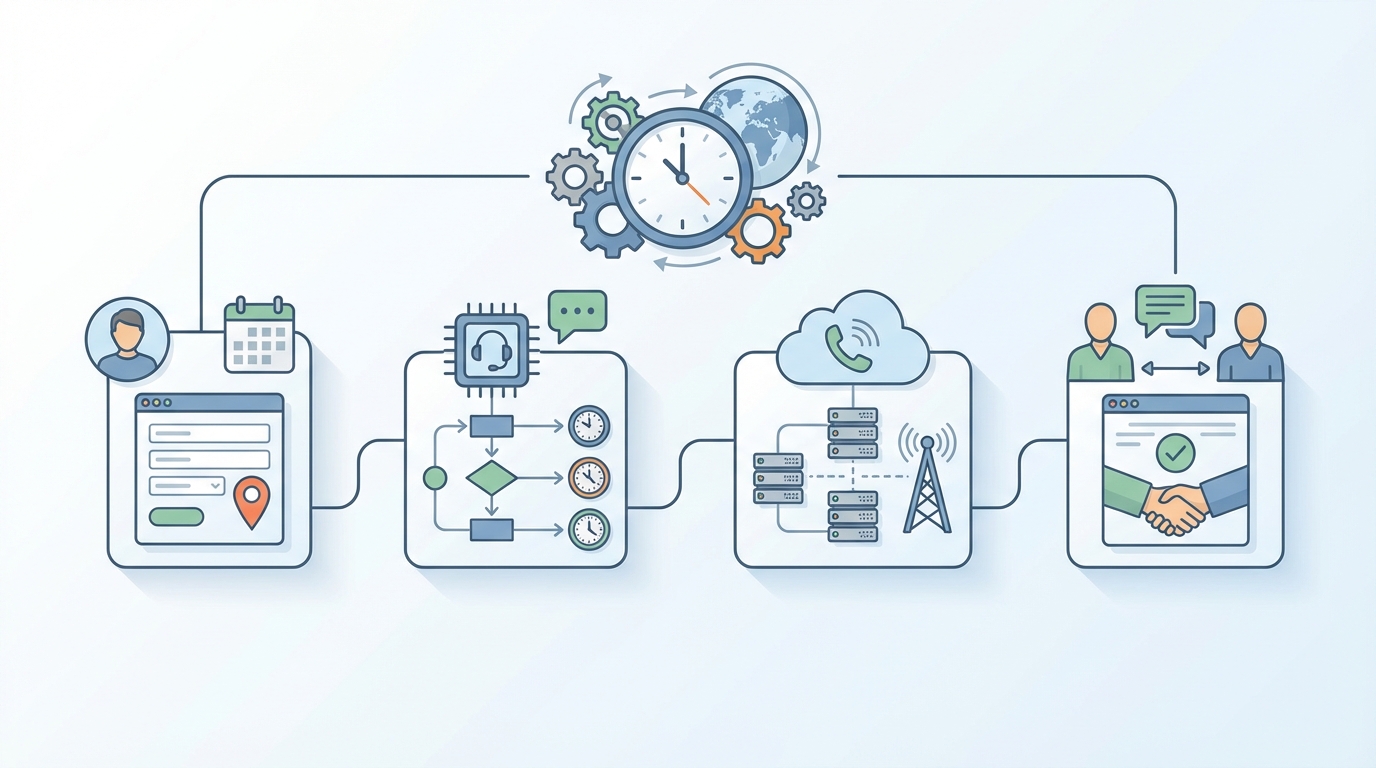
If you’re building or buying this feature, these are the parts that separate “it mostly works” from “it never embarrasses us.” Time zone voice call scheduling depends on data quality as much as math.
- IANA time zone per contact: like America/New_York or Asia/Singapore, not “EST” and not “UTC+8.”
- Quiet hours: a hard rule such as 20:00–09:00 local time where calls never happen.
- Local send windows: business-friendly blocks like 09:30–17:30 local time.
- DST-aware conversion: the system converts local time to UTC using current rules from the time zone database.
- Fallback behavior: what happens when time zone is missing (ask, infer carefully, or default to account time zone).
- Auditability: store “scheduled local time,” “scheduled UTC time,” and “time zone used” per call.
Common mistakes (and how teams avoid them)
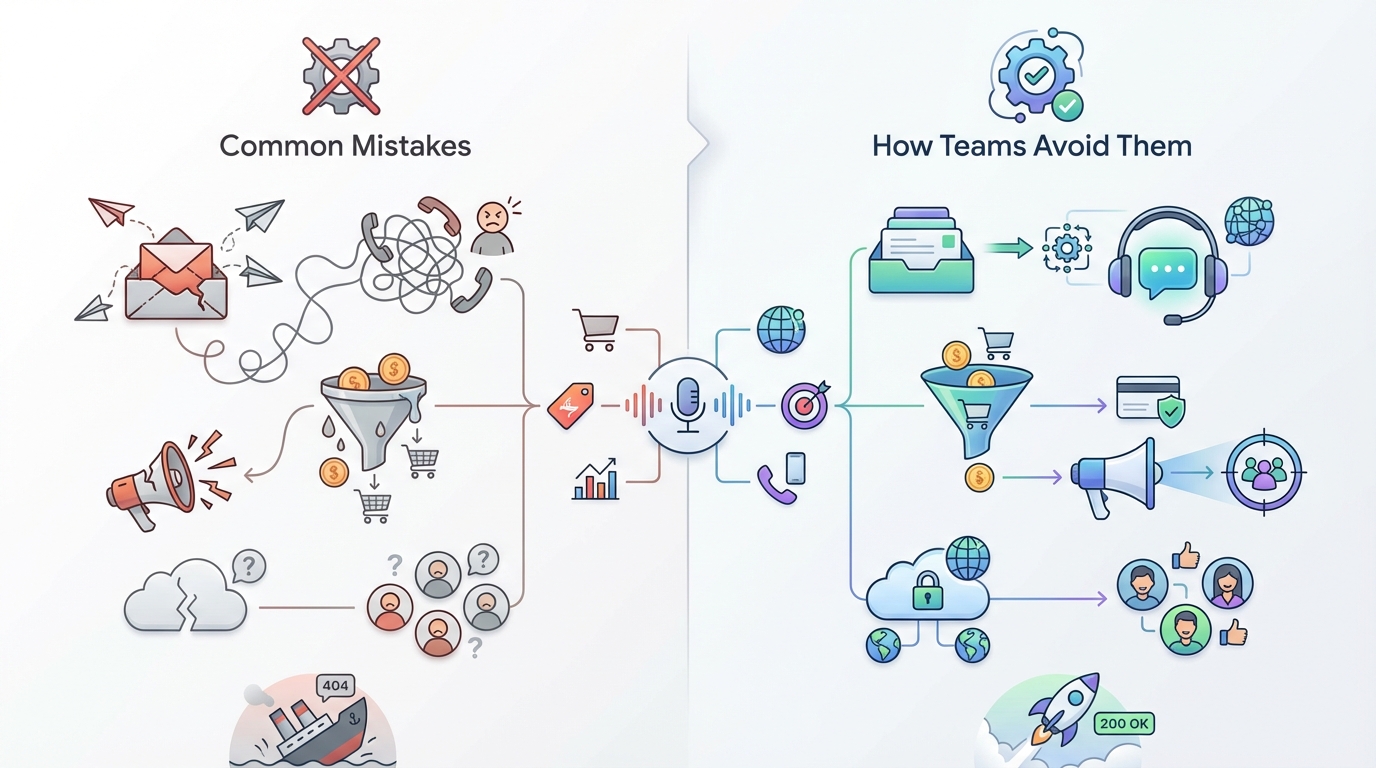
Most failures come from shortcuts that feel harmless until your list goes global. Time zone voice call scheduling is unforgiving because customers feel the mistake instantly.
- Storing offsets instead of IANA zones: “UTC+1” breaks when DST changes; Europe/Paris doesn’t.
- Using abbreviations like EST/PST: they’re ambiguous and don’t map cleanly worldwide.
- Ignoring DST transitions: you’ll be off by 1 hour for weeks if you hardcode logic.
- No plan for missing time zones: defaulting everyone to HQ time is how midnight calls happen.
- Assuming phone number country equals time zone: it’s a weak guess for travelers, remote workers, and virtual numbers.
Quick definition you can copy into docs
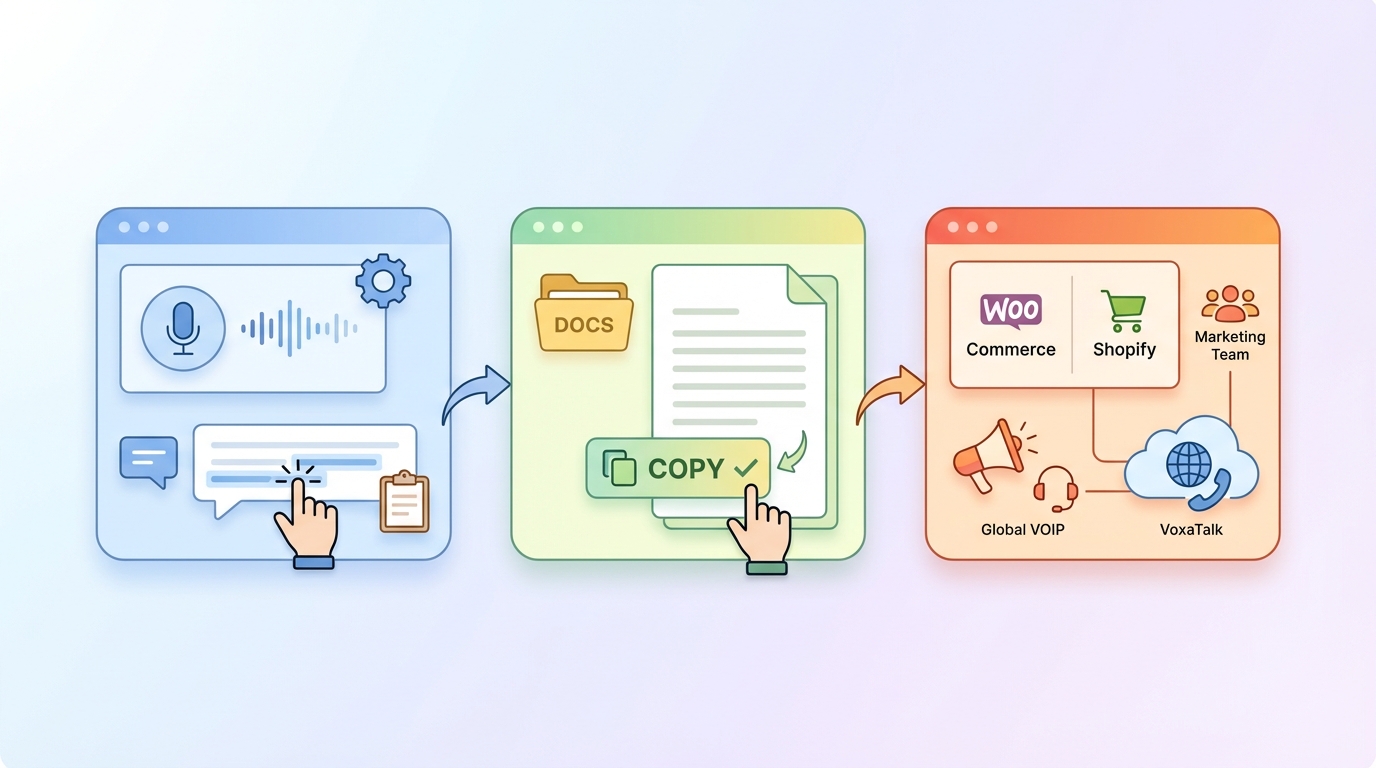
Time zone voice call scheduling is scheduling automated voice calls based on the recipient’s local time by storing an IANA time zone per contact and converting local send windows (with quiet hours and daylight saving time rules) into exact UTC delivery times per recipient.
CTA: When you should implement time zone voice call scheduling
If you call customers in 2+ time zones, time zone voice call scheduling stops the avoidable complaints and usually improves pickup rates. If you want help mapping your call flows (quiet hours, local windows, fallbacks) to Shopify, WooCommerce, or your SaaS CRM data, reach out here and share your current setup and target regions.
Related Articles
Explore more insights on this topic:
Event Triggered Voice Calls: Build Real-Time Call Flows
Table of contents (event triggered voice calls guide) This guide is about event triggered voice calls: calls that fire the moment something meaningful…
One-Way Voice Calling: What It Is & When to Use It
What Is One-Way Voice Calling and When Should Businesses Use It? Understanding One-Way Voice Calling One-way voice calling is an automated outbound ca…
15 Wins That Prove Voice Automation ROI Pays Off
15 Wins That Prove Voice Automation ROI Pays Off Why Voice Automation ROI Matters More Than Ever Voice automation ROI has become the deciding factor f…
Want to see this in action? Try VoxaTalk — Automated Voice Calls & Global VOIP.