
1. What “voice call lead nurturing” means (and when it beats email/SMS)
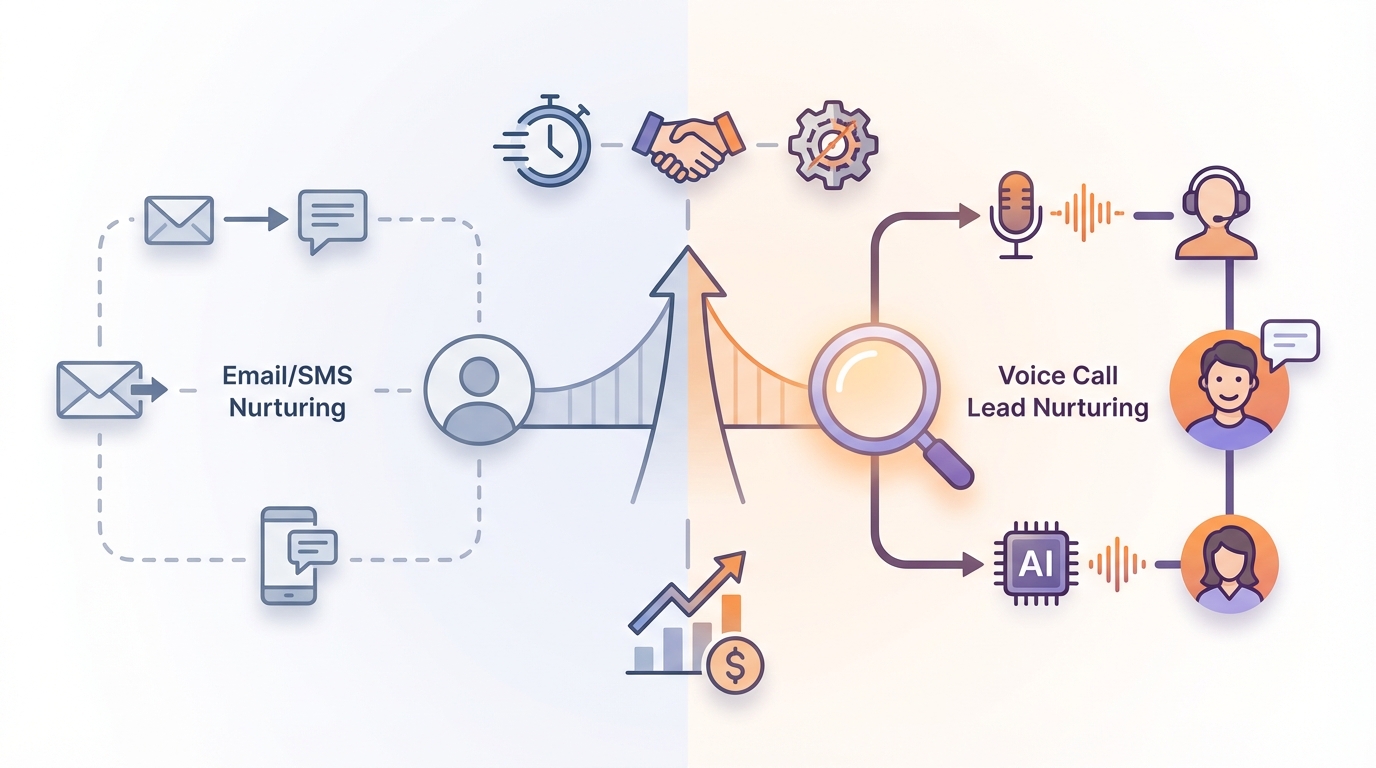
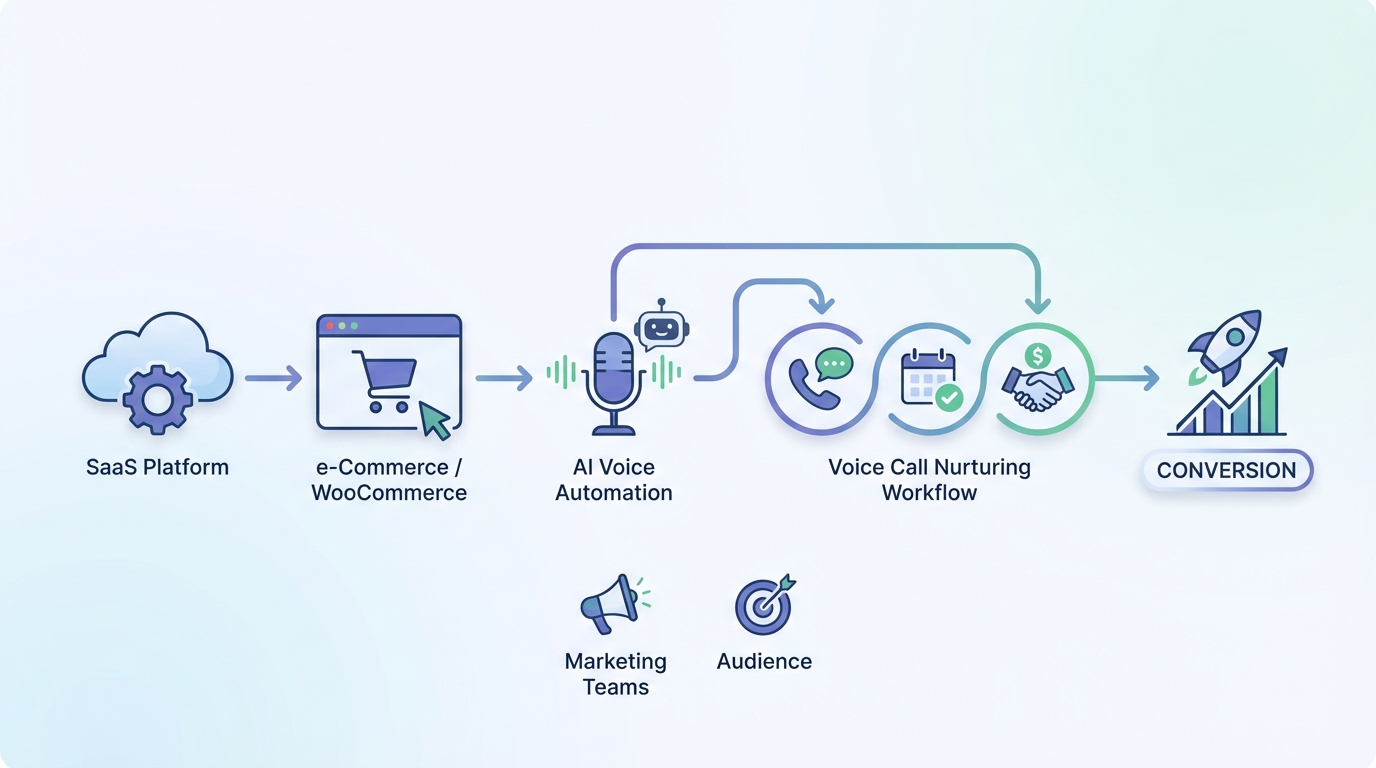
Voice call lead nurturing is using phone calls—often automated—to move a lead from “interested” to “ready to buy” with the right timing and the right message. The difference versus random calling is that you’re reacting to intent (a form fill, a cart, a booking) and you’re following a plan instead of winging it.
It’s also not the same as cold calling. Cold calling is outreach to someone who didn’t ask for you. Voice call lead nurturing starts after the lead has shown intent or given permission, and the goal is to reduce friction: confirm, remind, nudge, and hand off to a human when it makes sense.
And it’s not the same as transactional calls either. Transactional calls are purely informational (“Your appointment is tomorrow at 3”). Voice call lead nurturing can include transactional moments, but it’s designed to move someone forward in a buying journey.
A simple 3-stage funnel (the one you can actually build)
- New lead: They just requested a demo, started a trial, or abandoned a cart.
- Engaged: They answered a call, clicked a link, booked a time, or returned to checkout.
- Sales-ready: They booked a meeting, replied with a question, or hit a lead score threshold that justifies human time.
Voice beats email/SMS when speed matters and attention is scarce. If your average lead takes 6 hours to reply to email, a 25-second call right after a demo request can cut that delay to minutes. A phone ring is harder to ignore than an inbox badge.
Here’s a clean example that works in B2B and high-intent eCommerce: a demo-request lead gets an instant 20–30 second confirmation call (“Got it, you’re booked / here’s the next step”), then a reminder call 1 hour before the meeting. That’s voice call lead nurturing doing what email usually fails at: preventing no-shows.
This approach has one drawback: voice can feel intrusive fast. Without consent, clear identification, and frequency caps, you’ll burn trust faster than email. If you’re not willing to cap calls (like max 1 per day) and suppress instantly after conversion, don’t scale it. Research from FTC guidance on complying with the Telemarketing Sales Rule (TSR) for outbound sales calls supports this.
2. Comparison overview: 5 ways to build a sales voice workflow
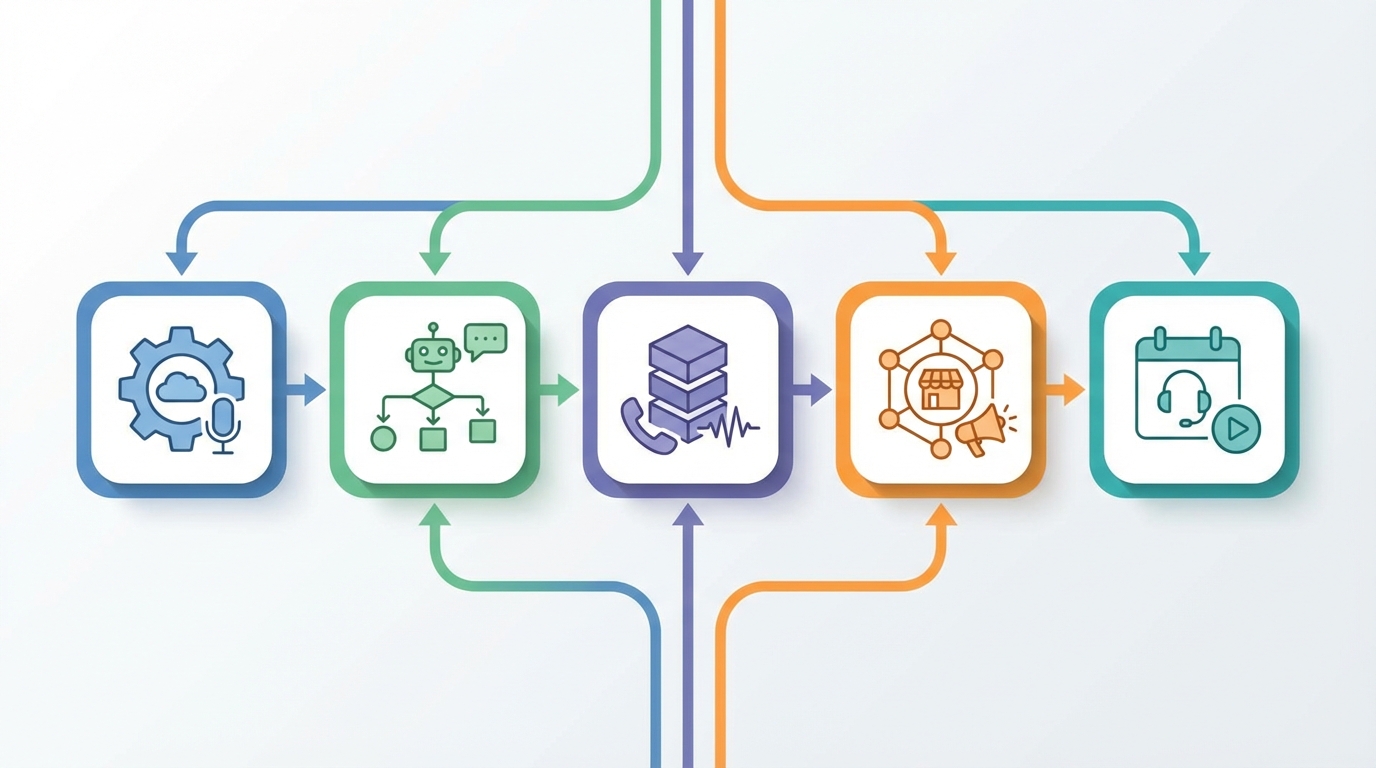
You can build a sales voice workflow in five common ways, and they’re not interchangeable. The right choice depends on whether you want automated lead contact at scale, or you want reps doing live conversations with better tooling. Research from FCC consumer guide on robocalls and TCPA-related calling rules supports this.
- VoxaTalk: Automation-first one-way calls + browser VOIP for global outbound.
- Twilio Studio + Voice (DIY): Programmable building blocks if you have dev resources.
- CallFire-style broadcast tools: Bulk voice blasts and reminders from lists.
- Aircall (dialer/call center): Rep-led calling with coaching and call management.
- JustCall (dialer category): Similar rep-first dialer approach with CRM integrations.
A quick decision lens (with numbers)
- Time-to-launch: Some tools get you to a first campaign in 1–3 hours. Others take 2–10 days once you include setup, numbers, webhooks, and testing.
- Main cost driver: Automation tools tend to be usage-based (per minute/per call). Dialers tend to be seat-based (per rep, per month) plus usage.
- Required skills: No-code tools work for marketing ops. DIY platforms usually require a developer who can debug call flows and handle edge cases.
One caveat before we compare anything: pricing and country coverage change constantly. A tool that supports outbound to 60 countries today might support 45 next quarter. Always verify current rates, local calling rules, and whether automated voice is allowed for your use case.
3. Option 1: VoxaTalk for voice call lead nurturing (automation-first)
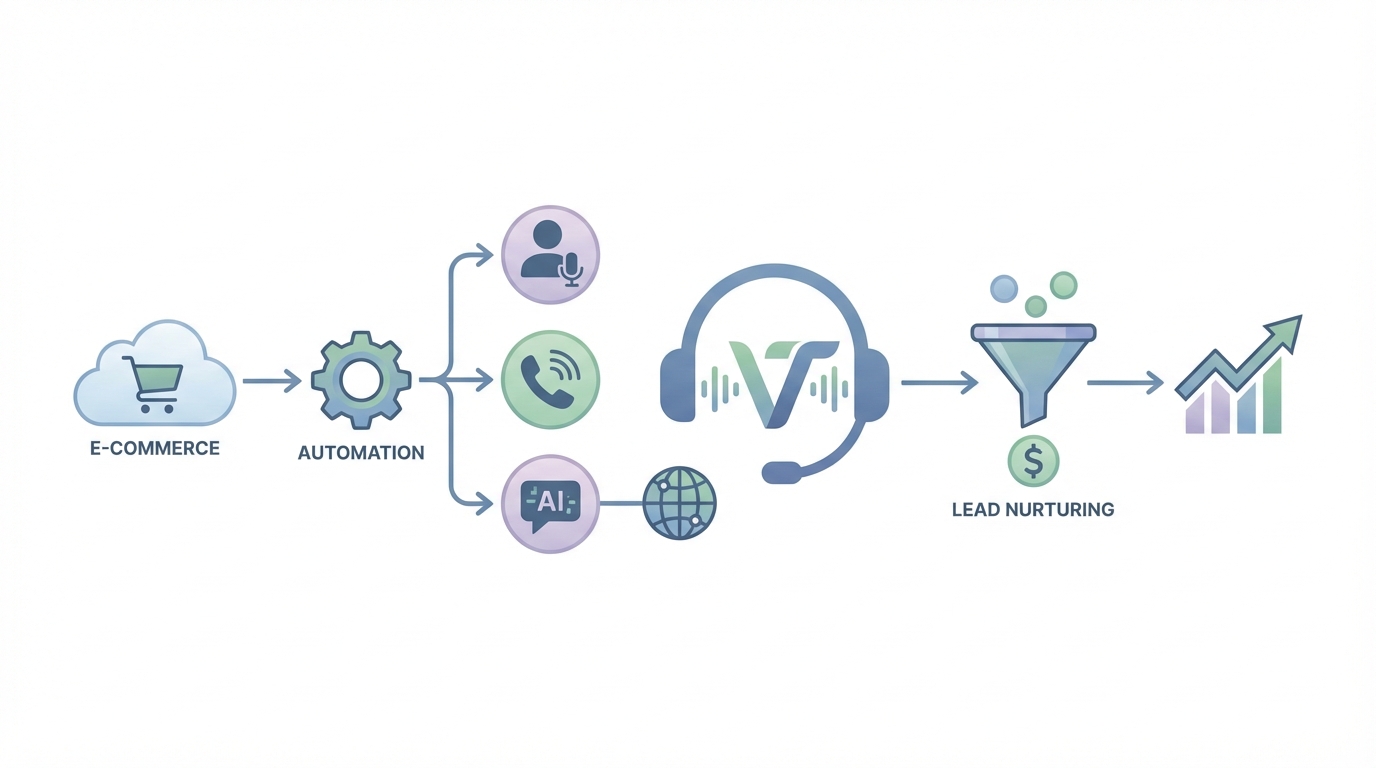
VoxaTalk is built for voice call lead nurturing where the message is short, time-sensitive, and triggered by real behavior. Think reminders, follow-ups, and notifications—without turning your workflow into a mini engineering project.
The core concept is simple: send one-way automated calls (using text-to-speech or a recorded clip) and trigger them from events. You can also make global VOIP outbound calls from your browser, which matters if your team sells internationally and you don’t want SIM cards or hardware.
What VoxaTalk is good at (specifics that matter)
- One-way automated calls: Use TTS for speed or recorded audio for brand tone.
- Global VOIP outbound: Useful when your leads are spread across countries and you need consistent outbound calling.
- Browser-based calling: Outbound calls from the browser, no installs, no devices to manage.
- Scheduled campaigns: “Call this segment tomorrow at 10:00 local time” is the kind of detail that saves you from angry replies.
- Event-triggered calls: Calls triggered by forms, carts, CRM updates, payments, or bookings (depending on your stack and integration setup).
Example workflow: WooCommerce abandoned cart (with suppression done right)
This is a classic voice call lead nurturing flow for a webshop, and it’s surprisingly effective when you keep it respectful.
- Trigger: WooCommerce cart abandoned.
- T+10 minutes: One-way call (20–25 seconds) confirming they can finish checkout and offering help.
- T+24 hours: Second call only if no purchase happened.
- Suppression: Stop instantly after purchase event (no “thanks for buying” call unless you explicitly want that).
This is where automation-first tools shine: you’re not asking a rep to watch carts all day, and you’re not blasting everyone with the same message. You’re reacting to an event, with a clear stop condition.
The honest limitation: one-way calls are not a live conversation. If your product needs real qualification (“What’s your tech stack?” “Who signs?”), you’ll still need a rep handoff. VoxaTalk fits best when the call is a fast nudge, not a discovery call.
4. Option 2: Twilio Studio + Voice (DIY build for automated lead contact)
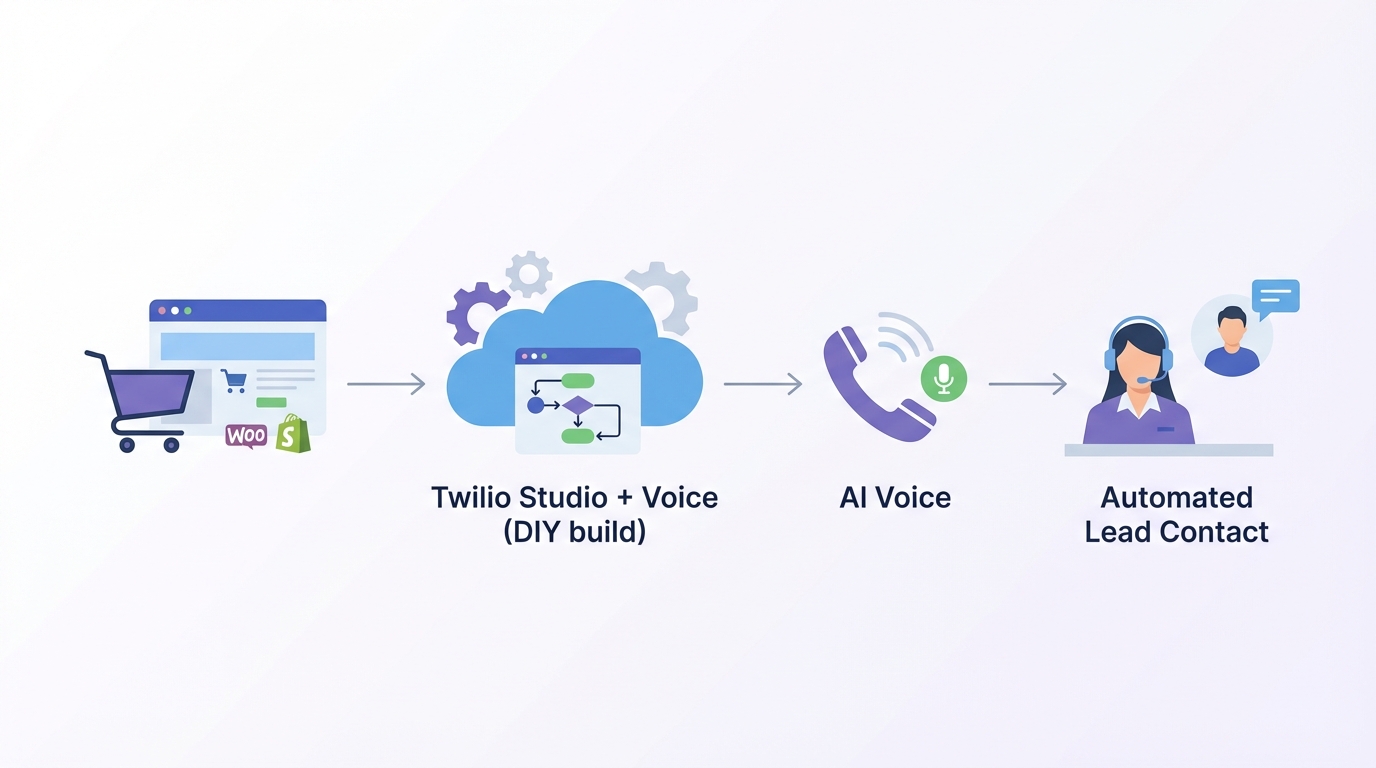
Twilio Studio + Voice is the “build anything” option for automated lead contact. If you want custom routing, deep data logic, and full control of the call flow, Twilio is hard to beat. But you pay for that flexibility in engineering time and ongoing maintenance.
What you get with Twilio (and why teams pick it)
- Programmable voice: You control calls with code and configurable components.
- Studio flow builder: A visual builder for call flows (still usually needs dev support to do it well).
- Webhooks and integrations: Pull lead data from your CRM, product database, or scoring model.
- Custom logic: Route based on lead score, region, product, language, or any internal rule you can express.
Example: lead score decides call vs rep notification
Say your CRM assigns a lead score from 0–100. Your Twilio workflow can do something like:
- Score 80–100: Place a call immediately and, if unanswered, notify an SDR to call manually within 5 minutes.
- Score 40–79: Drop a voicemail-style message (or place a short call) and send an email follow-up.
- Score 0–39: Don’t call; just nurture by email to avoid burning caller ID reputation.
You can also add time zone logic, but you’ll be implementing it yourself (or via libraries and rules you maintain). That’s fine if you have a team that treats voice like a product feature.
The limitation is real: DIY voice flows can break in expensive ways. A small bug can create call loops, repeated retries, or calls outside allowed hours. If you choose Twilio for voice call lead nurturing, budget time for testing, monitoring, and guardrails.
5. Option 3: Sales dialers/call center tools (Aircall/JustCall category)
Dialers like Aircall and JustCall are built for humans doing the talking. They’re great when your sales motion depends on live conversations, objection handling, and rep coaching. They’re not designed for fully automated time-based campaigns, even if they offer some automation features.
What dialers do well (rep-first features)
- Power dialer: Reps call through lists quickly, with fewer clicks.
- Call recording: Useful for training, QA, and compliance (depending on region and consent).
- Coaching tools: Whisper/coaching, call scoring, and performance dashboards.
- Pipelines and CRM integrations: Log calls, update deals, track outcomes.
- Queues and routing: Route inbound calls to the right team or rep.
Example: inbound trial signups routed to an SDR queue
A common workflow looks like this:
- Trigger: Trial signup comes in.
- Routing: Lead enters an SDR queue.
- SLA: Reps call within 5 minutes during business hours.
- Automation use: Mostly reminders (“call this lead again tomorrow”), plus logging and notes.
This can outperform automation when the deal size is big enough. If one closed deal is worth $8,000 ARR, paying for seats makes sense.
The limitation: per-seat pricing can punish high lead volume. If you have 20,000 leads/month but only 200 are worth a live conversation, you’ll feel the mismatch. Dialers also aren’t ideal for “call exactly at T+10 minutes after cart abandon” style campaigns.
6. Option 4: Bulk voice broadcast tools (CallFire-style category)
Broadcast tools are the simplest way to send a lot of calls quickly. They’re made for announcements, reminders, and list-based outreach. If your “workflow” is basically “upload list → call everyone,” they’re fast.
Where broadcast tools shine
- Voice blasts: Send a message to a large list without building complex logic.
- Basic list management: Upload segments, schedule sends, handle retries.
- Quick reminders: Great for webinars, events, and operational notices.
Example: webinar reminder at 10:00 local time
A clean use case: webinar registrants receive a same-day reminder call at 10:00 local time. If someone already joined the webinar (or checked in), you suppress them from the reminder list. That last part—suppression—is what separates “helpful” from “spammy.”
The limitation is that broadcast tools often have less tailored event logic. They can feel blunt. If your business needs “call only if they viewed pricing twice and cart value is over $75,” you’ll outgrow list blasting quickly. And if segmentation is weak, voice broadcasts can cross the line into complaints fast.
7. Feature-by-feature comparison: lead follow-up automation that matters
When people compare voice call lead nurturing tools, they usually get distracted by shiny features. The boring stuff is what decides whether your workflow converts or gets you blocked: triggers, time zones, suppression rules, and caller ID reputation.
| Feature/Aspect | VoxaTalk | Twilio Studio + Voice | Winner |
|---|---|---|---|
| Setup time to first campaign | Fast (UI-first campaigns, scheduling + triggers) | Medium–slow (build flows, numbers, webhooks) | A |
| One-way automated voice calls (TTS/recording) | Built-in (TTS or pre-recorded) | Possible (TTS/recording via Twilio) | Tie |
| Event-triggered calls (forms/carts/payments/bookings) | Native triggers + integrations focus | Requires integration work (webhooks/CRM) | A |
| Global outbound coverage | Global VOIP outbound calling | Global reach (varies by number type/region) | Tie |
| Browser-based calling (no SIM/no installs) | Yes (browser-based) | Not the core (depends on your build/tools) | A |
| Developer effort | Low | High (DIY) | A |
| Flexibility/custom logic | High for common workflows; limited vs code | Very high (custom flows) | B |
| Summary: If you want voice call lead nurturing without engineering time, VoxaTalk wins on speed and built-in workflows; Twilio wins when you need fully custom logic and have dev resources. | |||
What to compare beyond “features”
- Triggers: Form submit, abandoned cart, payment failed, booking created, CRM stage change.
- Scheduling: Fixed times vs relative timing (T+10 minutes, T+24 hours).
- Time zones: “10:00 local time” support vs you building your own logic.
- List management: Segments, exclusions, deduping, and lead freshness rules.
- Suppression rules: Stop calling the second someone converts, unsubscribes, or replies.
- Analytics: Answer rate, voicemail rate, drop rate, conversion events, and cohort reporting.
- Integrations: WooCommerce/Shopify triggers, CRM syncing, webhooks, Zapier-like connectors.
- Deliverability and caller ID: Number reputation, local presence, consistent caller ID, and compliance settings.
3 make-or-break criteria (with numbers)
- Time-to-first-call: If you can’t get the first call out in <10 minutes after intent (demo request, cart abandon), you’re leaving money on the table.
- Frequency cap: Start with max 1 call/day per lead unless they explicitly opted into more (like appointment reminders).
- Suppression latency: After conversion (purchase/booking), suppression should be instant, not “next day after a batch sync.”
The limitation nobody wants to hear: no tool can fix a bad offer or weak targeting. Voice just makes mistakes louder. If your audience didn’t ask for you, an automated call won’t magically make them happy.
8. Pricing comparison: what voice call lead nurturing really costs
The cost of voice call lead nurturing is usually a mix of usage fees, platform fees, and “hidden” build costs. People get surprised when they budget for minutes but forget numbers, seats, and integration work.
The real cost buckets
- Carrier charges (per-minute/per-call): This is the core cost for automated calls and VOIP outbound. Rates vary by country and number type.
- Phone number rental: Local numbers, toll-free numbers, or multiple caller IDs for different markets.
- Per-seat fees: Common in dialers and call center tools (Aircall/JustCall category).
- Add-ons: Recording, advanced analytics, transcription, coaching, extra integrations.
- Integration/dev costs: The biggest “invisible” cost if you’re building custom logic (Twilio DIY or heavy CRM customization).
| Feature/Aspect | VoxaTalk | Call/Contact Center Tools (Aircall/JustCall) | Winner |
|---|---|---|---|
| Typical billing model | Campaign/usage-based voice automation + VOIP | Per-seat plans + call usage | Depends |
| Best cost fit | High-volume automated lead contact | Teams with multiple reps making live calls | Depends |
| Hidden cost risk | Carrier fees + volume spikes if targeting is sloppy | Seat creep + add-ons for integrations/analytics | Tie |
| Summary: Automation-first tools tend to price around usage; call-center tools tend to price around seats—choose based on whether your bottleneck is volume or reps. | |||
Example math (so you can sanity-check your plan)
Let’s say you have 1,000 leads/month and you run 2 calls each. If your average call attempt is 30 seconds, that’s:
1,000 leads × 2 calls × 0.5 minutes = ~1,000 minutes/month
Then you layer in your country mix. If 70% of calls are domestic and 30% are international, your blended rate can swing a lot. Also, retries and voicemail detection (if used) can change average duration.
The limitation: international routing and local regulations affect both cost and reach. “Global” doesn’t always mean every destination is available for the type of call you want to place, especially for automated calls.
Tools like VoxaTalk — Automated Voice Calls & Global VOIP can help streamline this process.
9. Workflow blueprint: create a voice call lead nurturing sequence (step-by-step)
A good voice call lead nurturing sequence feels like help, not harassment. The trick is to design it like a product flow: trigger, timing, suppression, and measurement.
The 7-step build
- Pick one trigger: Start with a single event like demo request, abandoned cart, payment failed, or booking created. One trigger keeps debugging sane.
- Define the audience: Segment by intent. Cart value, repeat customer, lead score, product viewed, or region. If you can’t segment, keep volume low.
- Write a 20–35 second script: Short wins. A 60-second automated call feels long, especially if it hits voicemail.
- Choose the voice (TTS vs recording): TTS is fast to iterate. Recording can sound warmer if you do it well.
- Set schedule windows: Respect business hours and time zones. A “10:00–18:00 local time” window saves you from complaints.
- Set suppression and opt-out: Stop instantly on purchase/booking. Add a clear opt-out (“Reply STOP” works for SMS; for voice, give a simple instruction or support channel based on your setup and local rules).
- Measure outcomes: Track answered rate, voicemail rate, conversion to booking/purchase, and revenue per 100 calls.
Example sequence (timing numbers you can copy)
- T+2 minutes: Confirmation call (20–25 seconds). “We got your request. Here’s what happens next.”
- T+2 hours: Value call (30–35 seconds). One benefit + one next step.
- T+24 hours: Reminder call (20–30 seconds). “Still want help? Here’s the link / time window.”
- T+72 hours: Final call (20–25 seconds). Clear close, then stop.
Suppression rule: stop the sequence immediately on purchase, booking, or “lead moved to qualified” in your CRM. If suppression is delayed by even 2 hours, you’ll eventually call someone who already converted, and they’ll remember it.
The limitation: segmentation is the difference between “smart” and “spam.” If you can’t segment by intent (product viewed, cart value, lead score), keep the sequence shorter—often just 1–2 calls—and lean on email for the rest.
10. Voice message scripts that don’t sound like spam (with real constraints)
Automated lead contact fails when it sounds like a robocall. Your script should sound like a helpful human leaving a quick note. Keep it under 35 seconds, say who you are, say why you’re calling, give one next step, and include an opt-out path.
Template 1 (20–25 seconds): demo request confirmation
Length target: 20–25 seconds
“Hi, this is [Name] from [Company]. You just requested a demo for [Product]. I’m calling to confirm we received it and sent the booking link to your email. If you’d rather not get call reminders, reply to the email with ‘no calls’ and we’ll stop.”
Template 2 (30–35 seconds): trial onboarding nudge
Length target: 30–35 seconds
“Hi, this is [Name] at [Company]. You started a trial of [Product] today. The fastest way to see value is to do [one setup step]—it takes about 3 minutes. If you want, book a quick setup call using the link we emailed. If you don’t want voice follow-ups, reply to that email and we’ll opt you out.”
Template 3 (20–25 seconds): eCommerce cart recovery (with constraints)
Length target: 20–25 seconds
“Hi, this is [Brand]. You left items in your cart, and if your order is over $100 we can apply a 10% code for the next 24 hours. Check your email for the link to finish checkout. If you don’t want these reminder calls, contact support and we’ll remove your number.”
The limitation: personalization can backfire if your data is wrong. If you mention “over $100” and their cart is $42, you just lost trust. Also, don’t mention sensitive details in voicemail. Keep it generic enough that it won’t embarrass someone if a roommate hears it.
11. Use cases by industry: automated lead contact that fits the moment
Voice call lead nurturing works best when the lead already has momentum and your call removes friction. These are the use cases that tend to justify the interruption.
6–8 practical use cases (and what you’re really trying to fix)
- Demo requests (B2B SaaS): Confirm instantly and reduce no-shows with a reminder call.
- Trial onboarding: Nudge the one action that predicts activation (like connecting a data source).
- Abandoned cart (Shopify/WooCommerce): Recover high-intent carts without hiring SDRs.
- Payment failed: Prevent churn by calling within 10–30 minutes of the failure event.
- Booking reminders: Reduce no-shows with a call 24 hours and 1 hour before.
- Webinar reminders: Same-day reminder, ideally at a consistent hour in the lead’s time zone.
- Quote follow-up: “Do you want me to adjust anything?” works better than “Just checking in.”
- Reactivation: Bring back past customers with a clear offer and a clear stop condition.
Example: Shopify/WooCommerce segmentation to avoid complaints
If you run a webshop, don’t call every abandoned cart. Call only high-intent carts, like:
- Cart value > $75, or
- Repeat customer, or
- Viewed checkout twice within 24 hours
This keeps your automated lead contact volume down and your caller ID reputation healthier. It also makes your message feel more justified because the lead’s behavior shows real intent.
The limitation: some industries have stricter rules. Health and finance are the obvious ones, but even “normal” eCommerce can run into local restrictions on automated calls. Keep messages generic, avoid sensitive data, and get a compliance review if you’re not sure.
12. Best for / not best for: choosing the right voice call lead nurturing tool
Choosing a tool is mostly about matching it to your sales motion. If your business needs humans to qualify, you’ll regret forcing automation. If your workflow is repeatable and event-driven, you’ll regret paying for seats.
Best for
- VoxaTalk: Event-driven + scheduled one-way calls for voice call lead nurturing (reminders, follow-ups, notifications), plus browser-based global VOIP outbound.
- Twilio Studio + Voice: Custom logic, routing, and deep data rules when you have dev resources.
- Aircall/JustCall (dialers): Rep-led calling, coaching, queues, call recording, and pipeline workflows.
- CallFire-style broadcast: Simple reminders and announcements from lists with minimal setup.
Not best for
- Automation-first tools: Not ideal when every lead needs a 15-minute discovery call.
- DIY platforms: Not ideal when you can’t maintain call flows and integrations long-term.
- Dialers: Not ideal for time-based automated campaigns or very high lead volume with low rep capacity.
- Broadcast tools: Not ideal when you need event logic and fast suppression after conversion.
Example decision: if you need calls triggered by WooCommerce “order created” and “payment failed,” automation-first wins. If you need rep coaching, call queues, and live qualification, a dialer wins.
The limitation: switching tools later is painful. Exportability of call logs, consent records, opt-outs, and phone numbers matters more than people think. If you can’t take your history with you, you’ll feel locked in.
13. Recommendation: the clear winner for most transactional workflows (and when it isn’t)
For most transactional, event-triggered voice call lead nurturing workflows, VoxaTalk is the cleanest fit. The reason is simple: speed-to-launch and automation are the whole point, and VoxaTalk is built around one-way automated calls, scheduled campaigns, and browser-based global VOIP outbound without forcing you into a heavy call center setup.
If your workflow is “when X happens, call within 10 minutes, then stop after Y,” an automation-first tool is usually the fastest path to a working system. You’re not buying rep coaching. You’re buying timing, suppression, and consistency.
A practical example: a small webshop owner with 500–5,000 monthly visitors can run cart reminders, booking reminders, and payment failure calls without hiring SDRs. That’s not a “growth hack.” It’s just plugging the leaks where email often gets ignored.
When VoxaTalk isn’t the right answer: if your sales motion requires two-way discovery calls, negotiation, or complex qualification, you’ll want a dialer/CCaaS tool, or you’ll pair VoxaTalk with a rep workflow for handoffs. Automation can get attention, but it can’t replace a real conversation when the deal is complicated.
14. People Also Ask: quick answers about sales voice workflow setup
What’s the best time to call leads?
For voice call lead nurturing, speed beats “perfect timing.” If the lead just requested a demo or abandoned a cart, call within 2–10 minutes. For reminders, aim for 24 hours before and 1 hour before. Avoid early mornings and late evenings, and always respect local time zones.
How do I avoid spam complaints with automated lead contact?
Use consent, keep calls short (20–35 seconds), and cap frequency (start at max 1 call/day). Segment hard—don’t call low-intent leads. Suppress instantly after conversion. Also, identify your business in the first 3 seconds. Anonymous “mystery calls” get reported.
How do I measure success for a sales voice workflow?
Track answer rate, voicemail rate, conversion to booking/purchase, and revenue per 100 calls. A simple internal dashboard works: answered %, voicemail %, conversion %, and $ per 100 calls. Set your own baseline in week 1 and improve week over week.
Should I use TTS or recorded audio?
TTS is faster to iterate and easier to personalize at scale. Recorded audio can sound more human if you record it well (quiet room, good mic, natural pacing). If you’re testing a new voice call lead nurturing sequence, start with TTS for speed, then switch to recording once the script converts.
How do I handle time zones correctly?
Store each lead’s country and, ideally, time zone. If you can’t, infer from phone number country code and keep calling windows conservative (like 10:00–18:00). For scheduled campaigns, use “10:00 local time” when possible. Bad time zone handling is an easy way to get complaints fast.
The limitation: voice metrics vary wildly by country, caller ID reputation, and list quality. Don’t copy someone else’s KPIs blindly. Your “good” answer rate might be 18% in one market and 35% in another.
FAQ
What is voice call lead nurturing?
Voice call lead nurturing is using phone calls (manual or automated) to move a lead from “interested” to “ready to buy.” A good workflow times calls around key events—like a form fill, abandoned cart, trial signup, or booking—and uses short, relevant messages plus follow-ups. Compared with email/SMS, voice often gets faster attention, but it can feel intrusive if timing, consent, and frequency aren’t handled carefully.
How do I create a voice call workflow for lead follow-up automation?
Start with one trigger (e.g., demo request) and one goal (e.g., booked call). Map a 3–5 step sequence: immediate confirmation call, 1-hour follow-up, next-day follow-up, and a final “last chance” call. Add rules for time zones, business hours, and suppression (stop after conversion or unsubscribe). Track outcomes (answered, voicemail, conversion) and iterate message length, timing, and cadence.
Are automated voice calls legal for lead nurturing?
It depends on the country and whether you have consent. Many regions regulate automated calls, caller ID, opt-out requirements, and calling hours (for example, TCPA rules in the US and GDPR/ePrivacy considerations in the EU). If you’re unsure, treat voice automation like email compliance: document consent, provide an opt-out path, respect quiet hours and do-not-call lists, and keep records of when and why you contacted each lead.
What’s better for automated lead contact: one-way voice calls or live agent calls?
One-way automated calls are best for fast confirmation, reminders, and “nudge” sequences at scale—especially when the message is simple and time-sensitive. Live agent calls are better for discovery, objection handling, and complex deals. Many teams mix both: automation handles the first touch and reminders, while agents focus on high-intent leads who replied, clicked, booked, or hit a lead score threshold.
How many calls should I put in a sales voice workflow before it feels spammy?
For most lead nurturing flows, 2–4 calls over 3–7 days is a reasonable starting point, with immediate suppression after conversion. The “too much” point depends on your audience, offer value, and consent quality. A practical rule: if you can’t justify each call with a new piece of value (confirmation, deadline, benefit, next step), cut it. Always include opt-out and respect time zones.
Brief conclusion
Voice call lead nurturing works when it’s event-driven, short, and respectful. If you need fast automated follow-ups tied to carts, bookings, payments, or form submits, automation-first tools like VoxaTalk tend to win on speed and simplicity. If your process depends on live discovery calls, pick a dialer—or run a hybrid where automation handles the first touch and reps handle the real conversations.
Related Articles
Continue exploring this topic
1
Event Triggered Voice Calls: Build Real-Time Call Flows
Table of contents (event triggered voice calls guide) This guide is about event triggered voice calls: calls that fire the moment something meaningful…
2
IVR vs One-Way Calls: Which Fits Your Campaign?
1. What “IVR vs one-way calls” really means (in plain terms) “IVR vs one-way calls” sounds like a tooling choice, but it’s really a choice about how m…
3
Startup voice automation: 10 plays to scale calls fast
Prerequisites, time estimate, and what you’ll build Startup voice automation works best when you treat it like a product feature, not a “blast everyon…
Ready to Get Started?
Ready to make a choice? Start with VoxaTalk — Automated Voice Calls & Global VOIP’s free trial.